
Getting Started with Milestones
What is the Milestones feature?
Milestones is a HeyTaco feature that automatically celebrates team members' birthdays and work anniversaries with taco-filled messages. It helps create a culture of appreciation without needing manual reminders or planning. Milestones posts are sent in Slack channels on the appropriate day, making recognition easy and consistent.
How to set up birthday and work anniversary recognition?
Milestones can be enabled from your HeyTaco admin dashboard. Once enabled and set up, HeyTaco will begin sending automatic messages for team members with birthday and/or work anniversary dates saved in their profiles. You can customize the messages and choose which channel they are posted in.
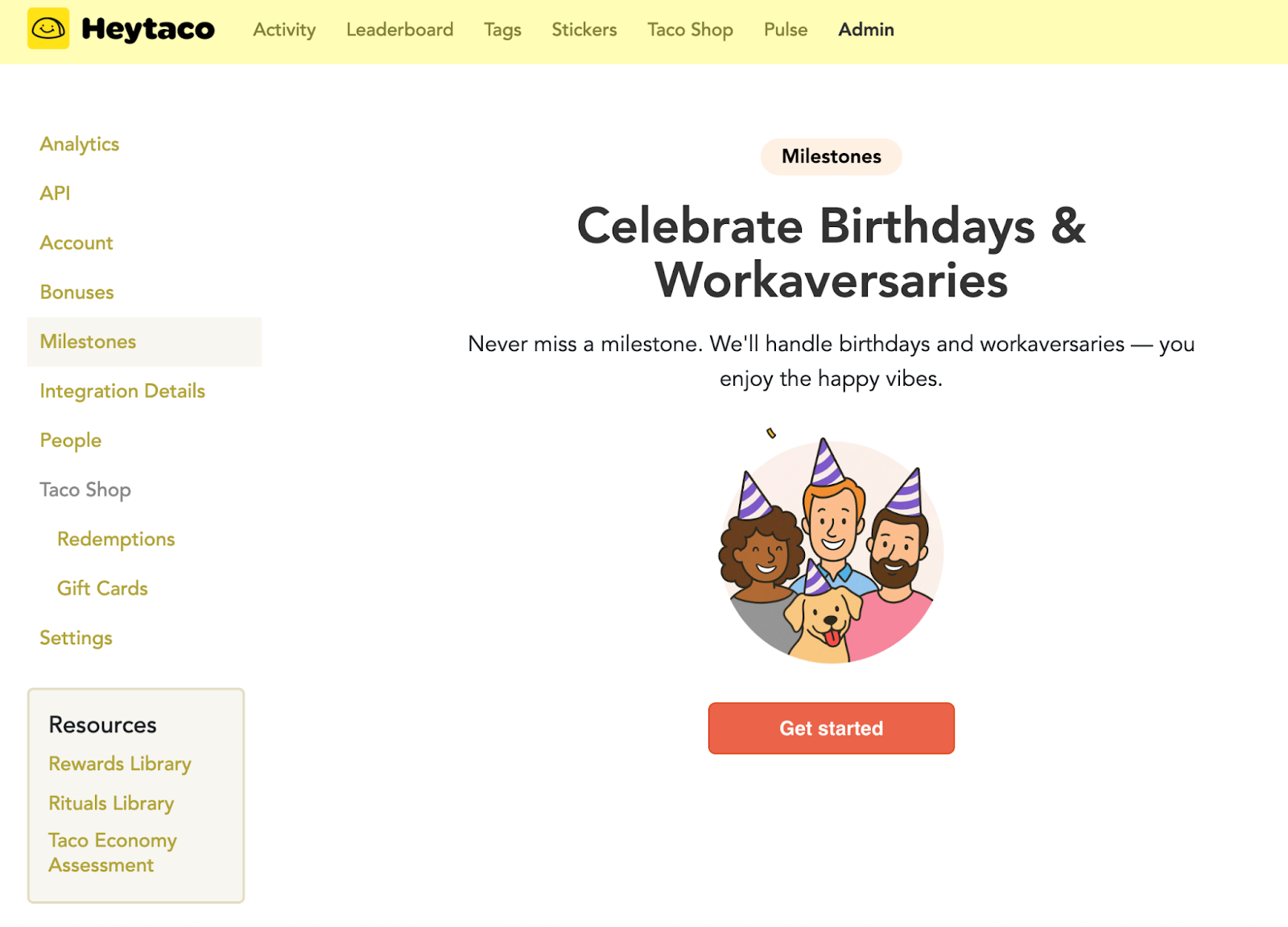
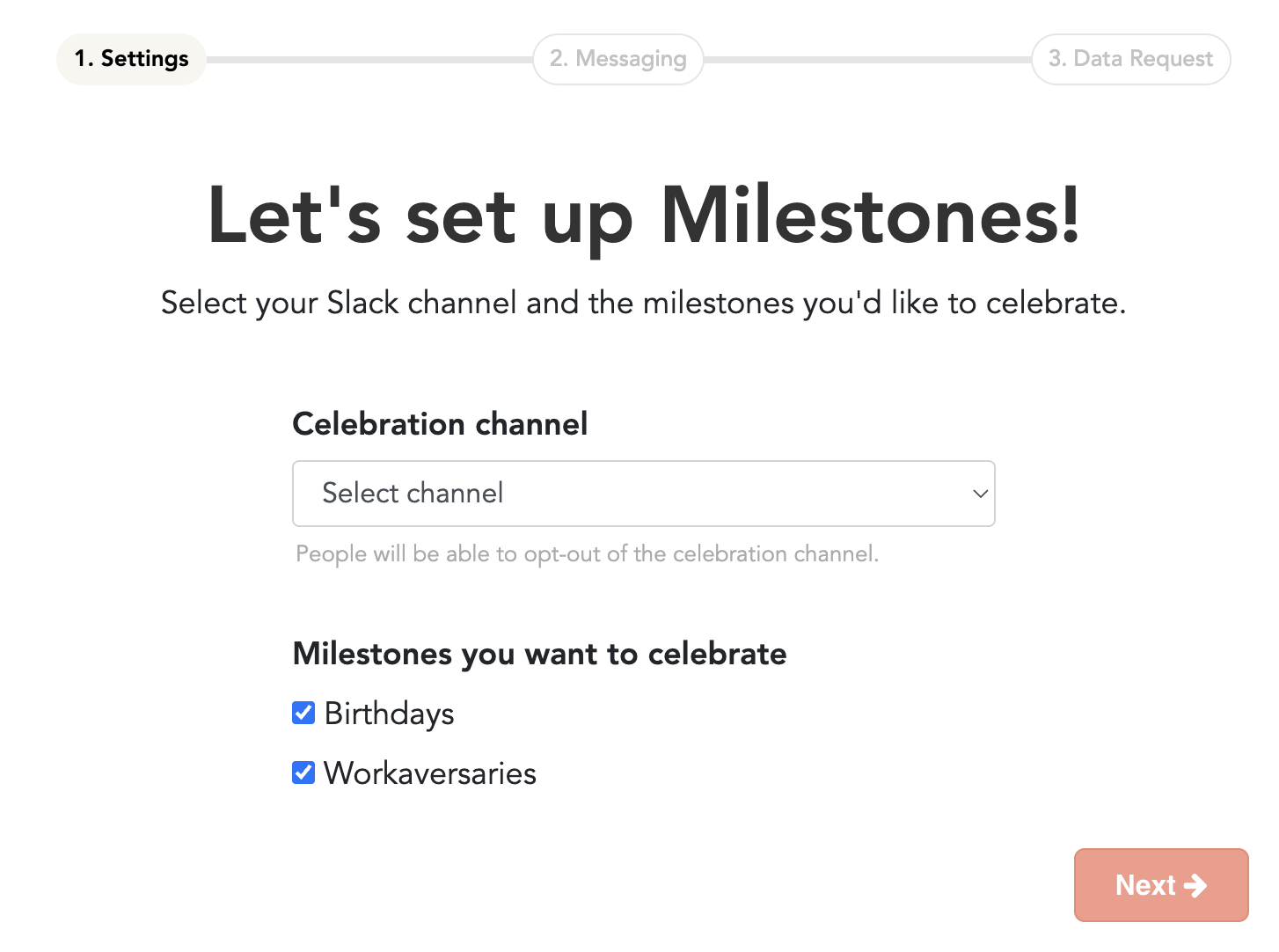
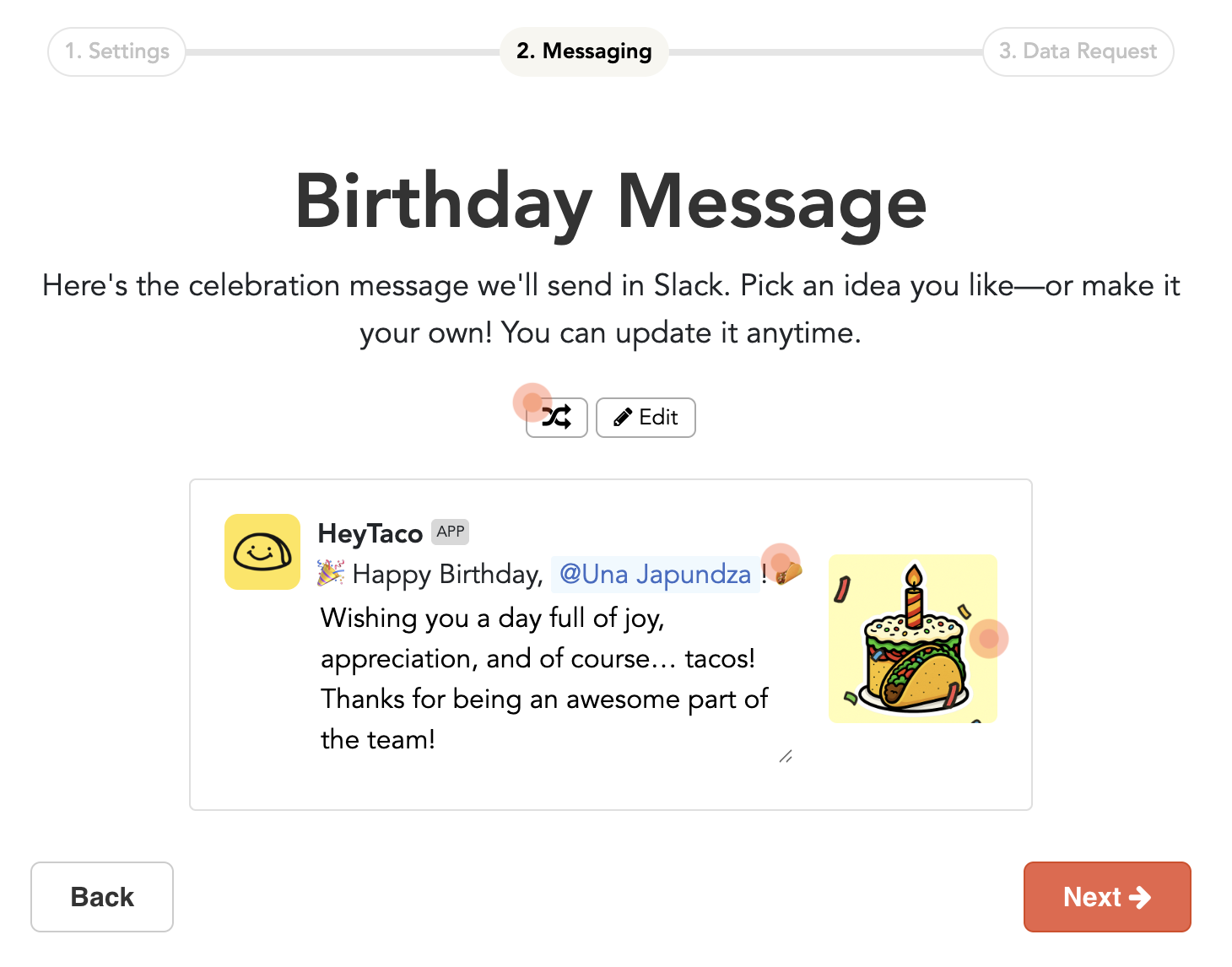
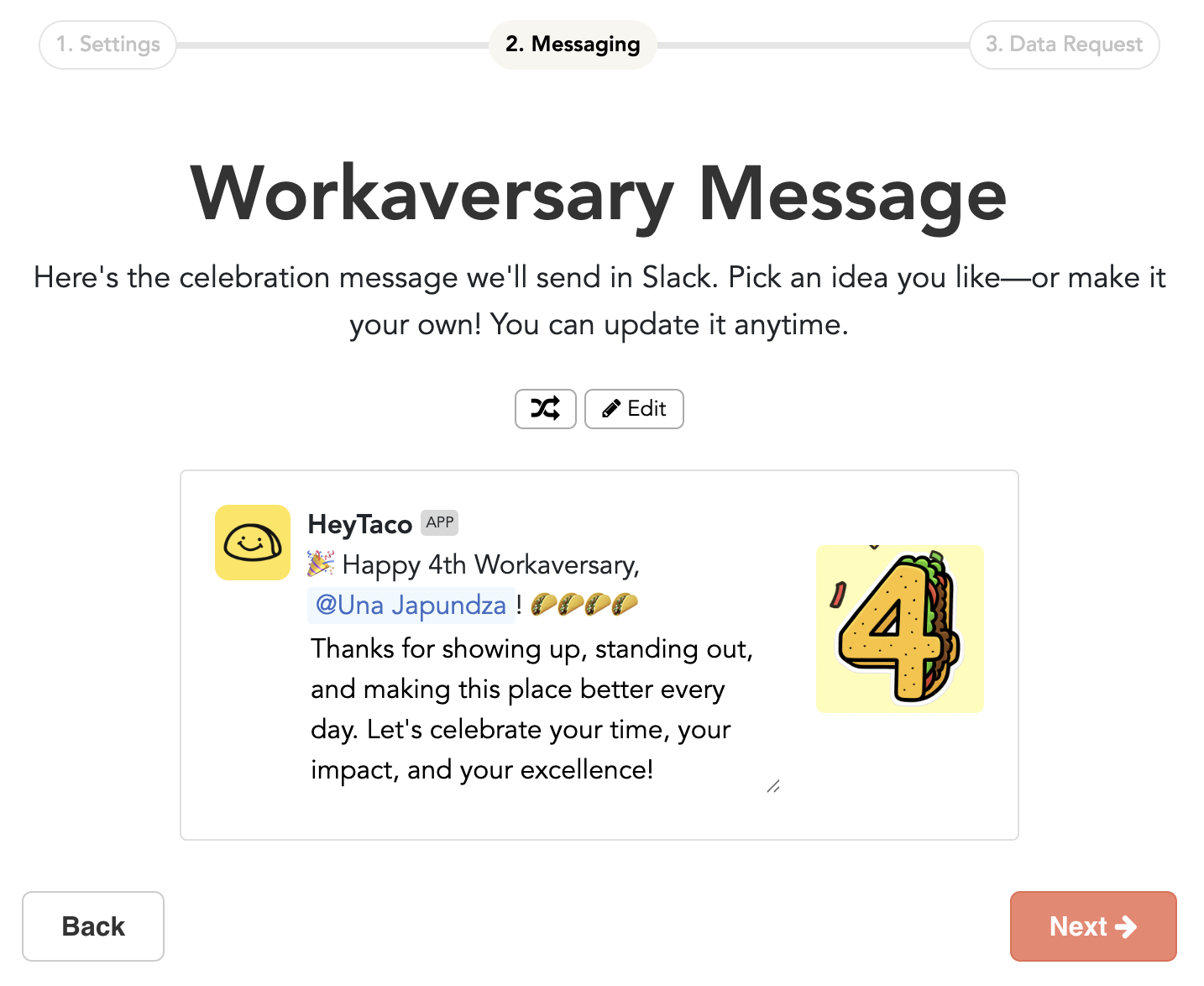
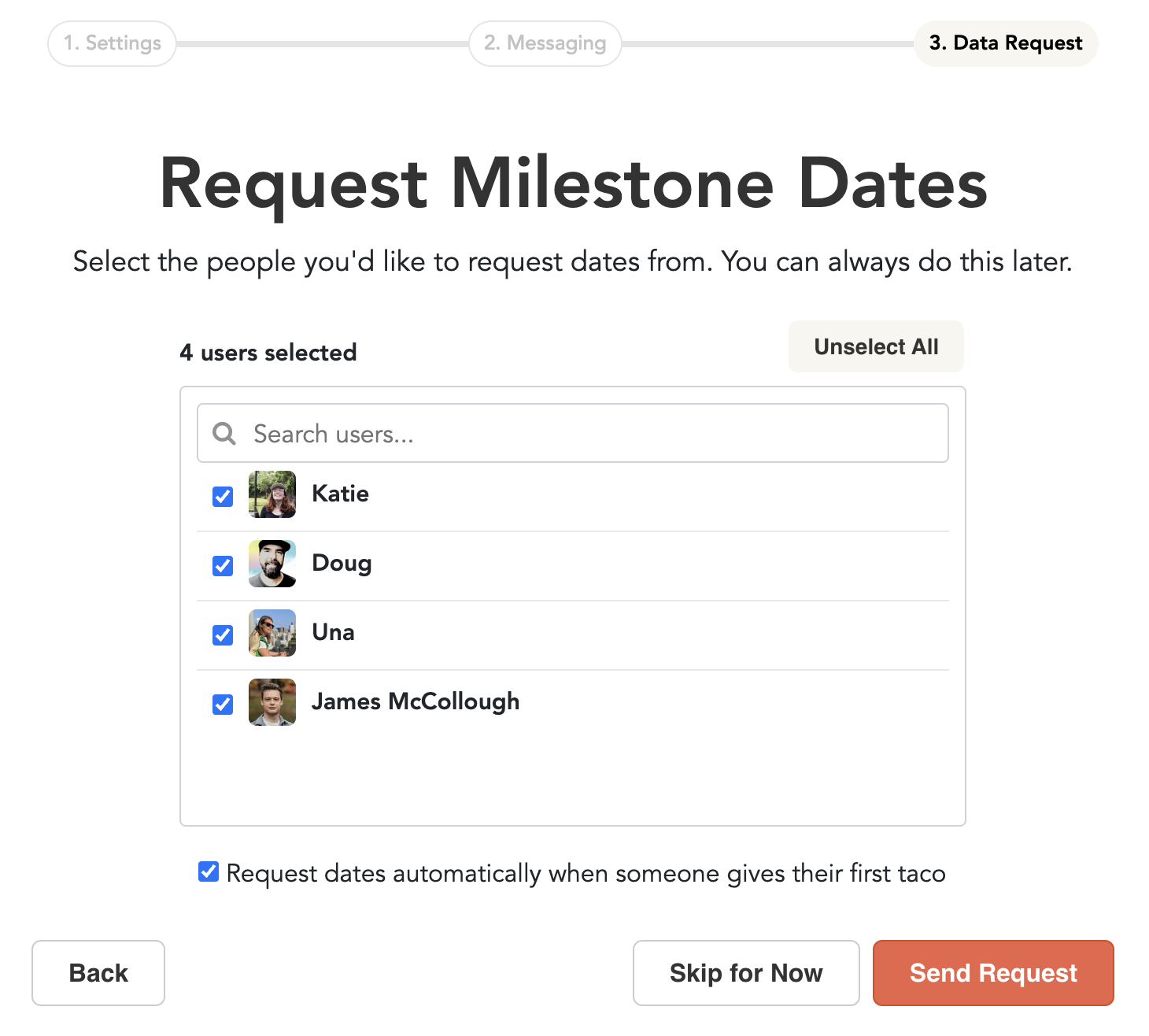
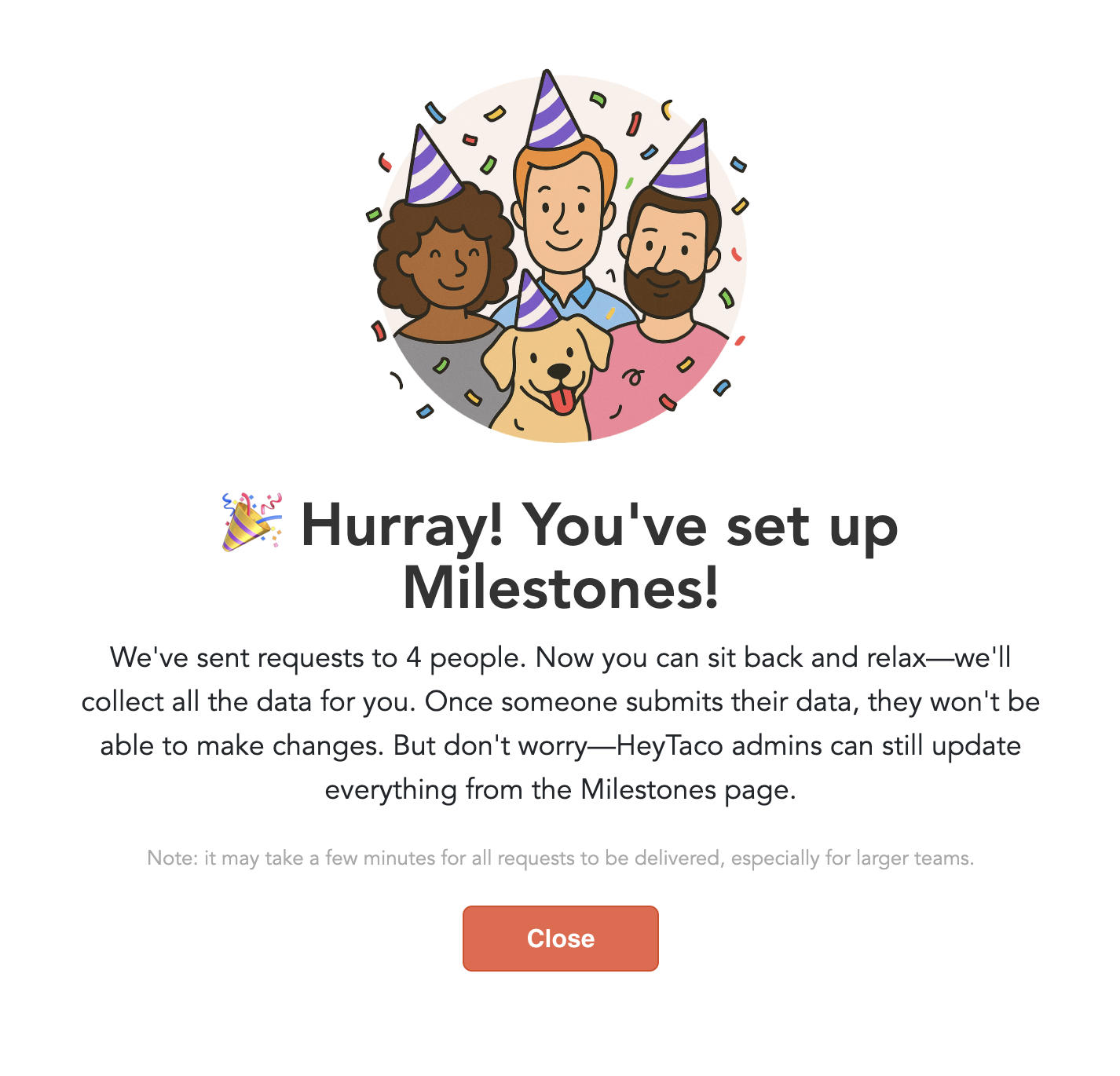
Milestones feature overview: How it works, when tacos get sent, and where
HeyTaco checks for birthdays and work anniversaries daily. If a team member has a milestone, HeyTaco will send a celebratory work anniversary message (including tacos) in the designated Slack channel (set on the Admin → Settings page), typically around 10 a.m. local time, and a birthday message around 9:30 am local time.

Can the number of tacos for each Milestone be adjusted?
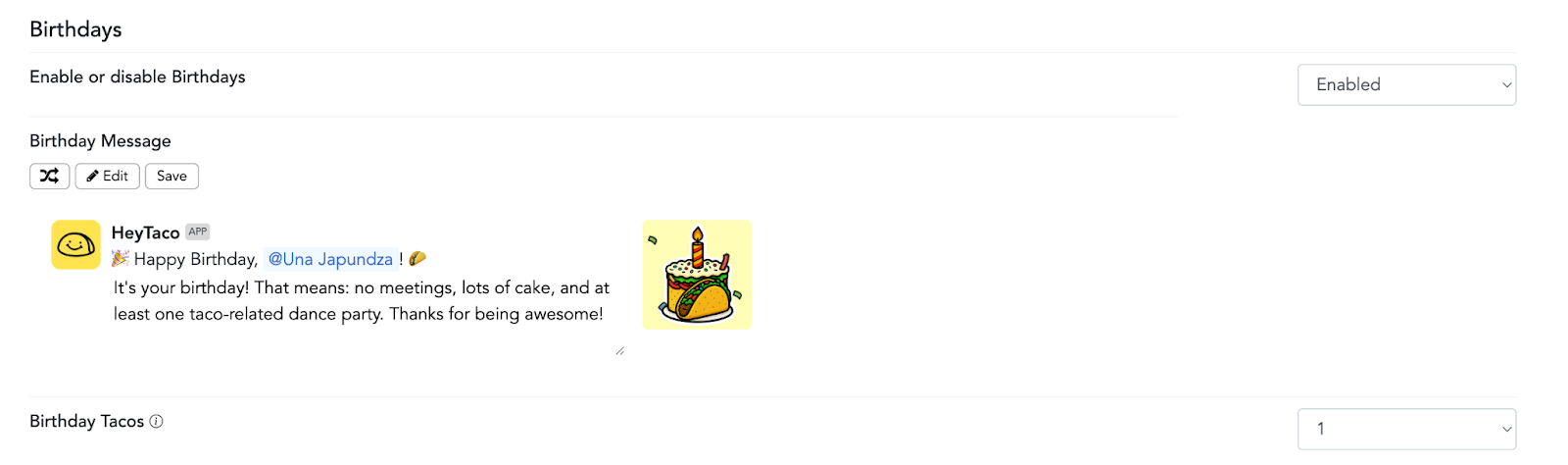
A HeyTaco administrator can decide how many tacos everyone will receive for their birthdays. That can be adjusted on the Admin → Settings page.
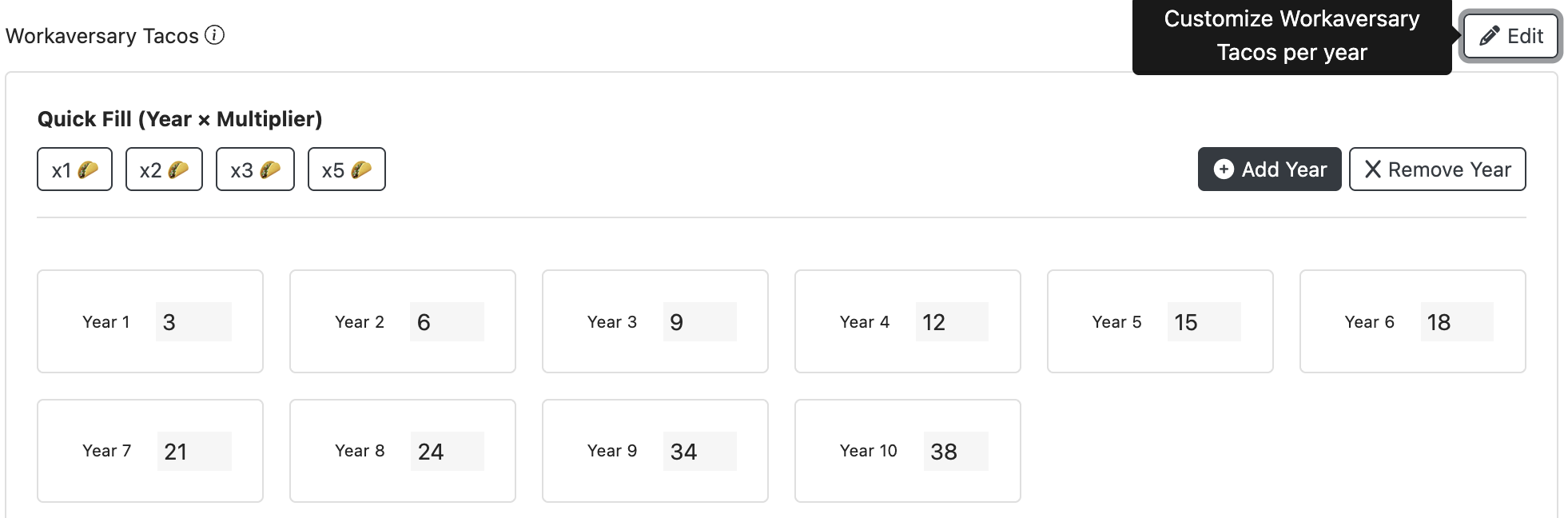
You can also edit the number of tacos that people receive for their work anniversary.
Frequently Asked Questions (FAQ)
| Question | Answer |
|---|---|
| How do birthdays and work anniversary dates get added? |
There are a couple ways dates can be added: • You can request that team members enter their birthday and start date. • Admins can add or edit dates on behalf of team members. • Admins can also choose for HeyTaco to collect dates from new team members whenever they give their first taco. This makes it easy to gather milestone information during setup or whenever someone joins the team. |
| Can employees opt out of milestone celebrations? | Yes. Each person can choose whether their milestone is celebrated publicly, privately, or not at all. These preferences can be updated anytime in their profile settings. |
| Where are milestone messages posted? | Milestone messages appear in the Slack or Microsoft Teams channel you choose during setup. Many teams create a dedicated #celebrations or #milestones channel so everyone can easily join the celebration. |
| When are milestone messages sent? |
HeyTaco checks for milestones daily and sends messages automatically in the user’s local time zone. Typically: • Birthday messages are sent around 9:30 AM • Work anniversary messages are sent around 10:00 AM This ensures celebrations happen consistently and at a predictable time. |
| What happens if a milestone falls on a weekend? | If someone’s birthday or work anniversary falls on a weekend, the celebration message will be delivered on the following Monday so it isn’t missed. |
| Can milestone messages be customized? | Yes. Admins can edit the milestone messages so they match your company’s tone, culture, or style. Many teams personalize the messages with inside jokes, emojis, or their company values. |
| How many tacos are given for milestones? |
Admins can decide how many tacos are given for birthdays. For work anniversaries: • In HeyTaco for Slack, the number of tacos corresponds to the number of years someone has been with the company (for example, a 3-year anniversary receives 3 tacos). • In HeyTaco for Microsoft Teams, you can customize the number of tacos people receive for a work anniversary. |
| Can teammates add more tacos to the celebration? | Yes. Once the milestone message appears, teammates can join the celebration by replying with tacos and messages of appreciation, turning the milestone into a shared team moment. |
| What if someone’s milestone date is wrong or missing? | Admins can edit milestone dates from the Admin → Milestones page. If a date is missing, you can also resend a request asking the team member to enter it. |
| Can milestone celebrations be private instead of public? | Yes. Each team member can choose whether their milestone is celebrated publicly in a channel or privately via a direct message from HeyTaco |