
What are Stickers & how to give one?
Note: Stickers are a Slack-only feature.
Stickers are a way to recognize groups of people without using your daily taco limit. Each sticker sends tacos to multiple teammates at once, making them a great way to celebrate a whole team when a single taco doesn't feel like enough.
How stickers work
Each sticker has a built-in taco value and a maximum number of people it can be given to. For example, the Taco Rain sticker lets you give 1 taco each to up to 10 teammates. A sticker can only be given once — if you give it to fewer people than the maximum, the remaining tacos are not saved or carried over.
Here are all 8 stickers and what they're worth:
- Tacocat — 1 person, 2 tacos each
- Taco Trophy — 1 person, 5 tacos
- Taco High Five — 3 people, 1 taco each
- Taco Rockstars — 5 people, 1 taco each
- Taco Truck — 5 people, 2 tacos each
- Taco Piñata — 6 people, 1 taco each
- Taco Rain — 10 people, 1 taco each
- Taco Confetti — every person with a HeyTaco account in the channel receives 1 taco. Note: Taco Confetti tacos are only added to recipients' tacos received balance, not to your tacos given balance, since it can otherwise significantly disrupt the taco economy.
How to give a Sticker?
1) Give Stickers via Slack
Step 1: Type /stickers in the channel where you'd like to give a Sticker in and press ENTER.
***Not seeing the /stickers? Please make sure you HeyTaco app has been updated.

Step 2: If you have any stickers unlocked - select a sticker that matches your mood or message.
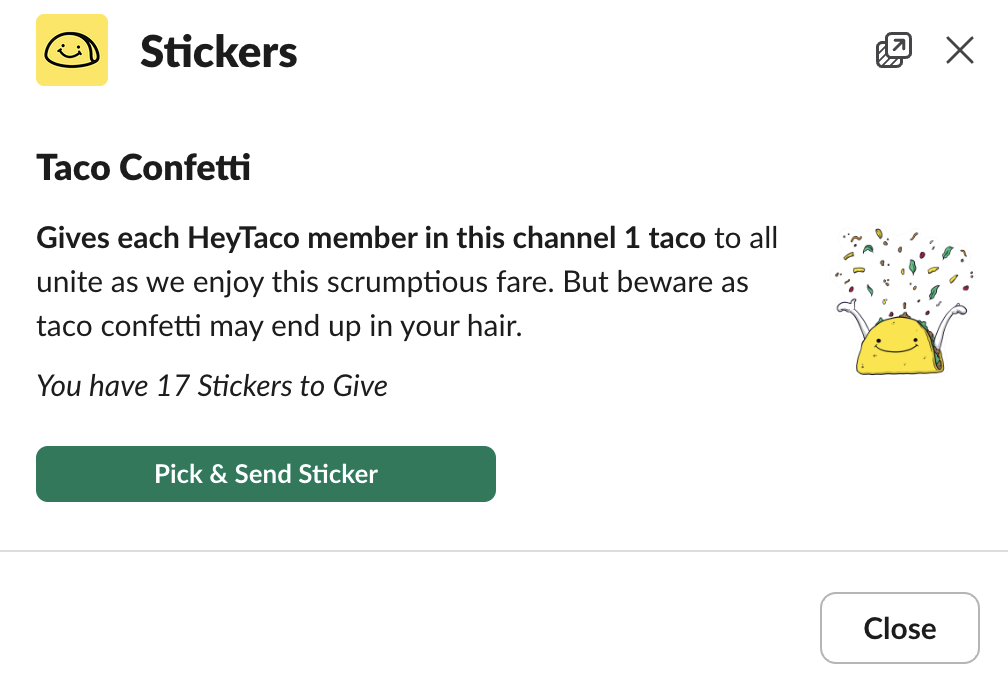
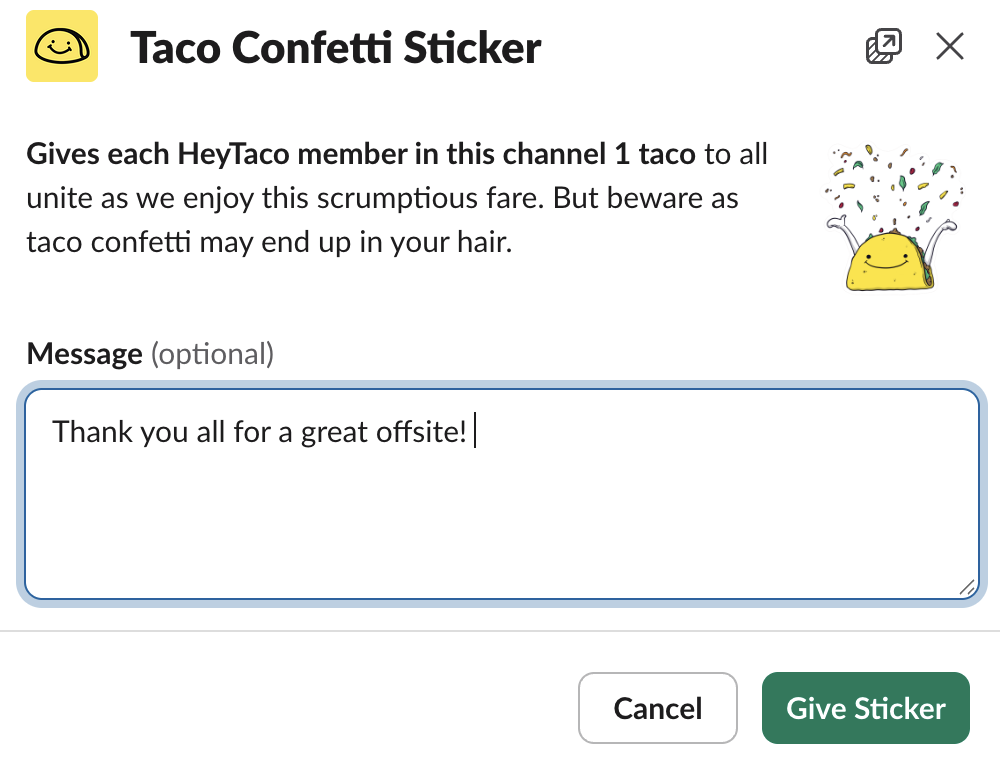
Step 3: Press 'Give Sticker' and make someone's day a little more special. How easy was that?!
2) Give Stickers in a browser
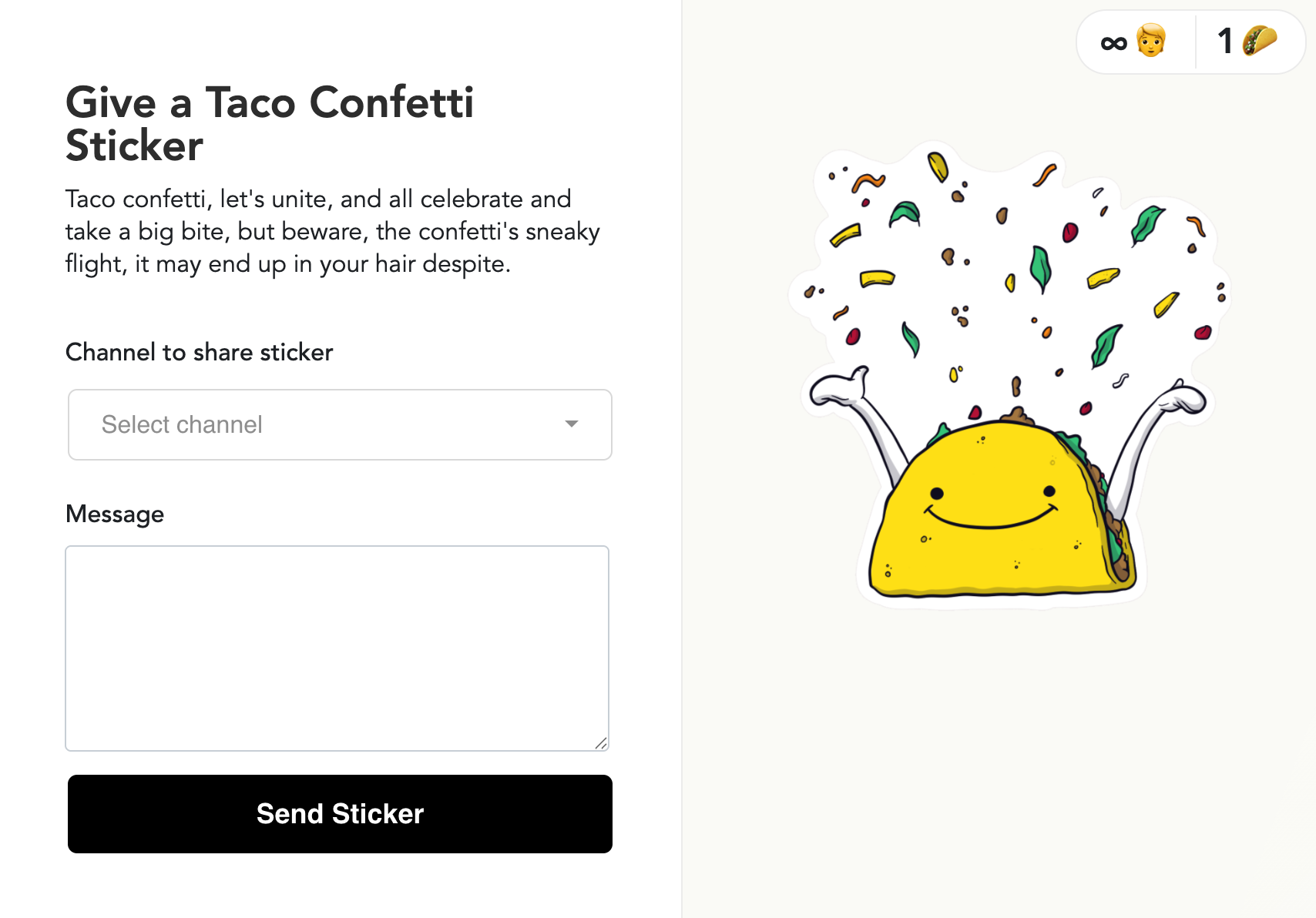
Stickers can be given directly from the Stickers page on your HeyTaco account. Choose the Sticker you'd like to give, and select 'Give Sticker'. Clicking that button will open up a new page where you will choose whom you'd like to give it to and in which channels, along with the message you want to add. Simply fill out the information, select 'Send Sticker' and it will be posted in channels you chose. Voila! As easy as that.
Taco Tip: in the top right hand corner of each Sticker, you can see how many people it can be given to and how many tacos it is worth. A single Sticker can only be given one time, so if you choose to give, for example the Taco Tree below, to less than 6 people, the whole Sticker will be gone and the rest of the tacos won't be saved.
What if someone is missing from the recipient list?
If a teammate doesn't appear when you search for them, it means they don't have a HeyTaco account yet. They'll show up once they give or receive their first taco, or they can sign in directly at heytaco.chat/signin to create an account.