
Help! I can't sign into HeyTaco.
HeyTaco uses Slack SSO to sign you into HeyTaco. No separate usernames or passwords are required beyond your existing Slack credentials. If you are having issues signing into HeyTaco for Slack, please follow the steps below.
1) Sign in to the correct Slack workspace.
Many people belong to multiple Slack workspaces, both professional and personal. Make sure you are signed into the Slack workspace where your company is using HeyTaco.
**Please make sure you use the correct email address when signing in to Slack.**
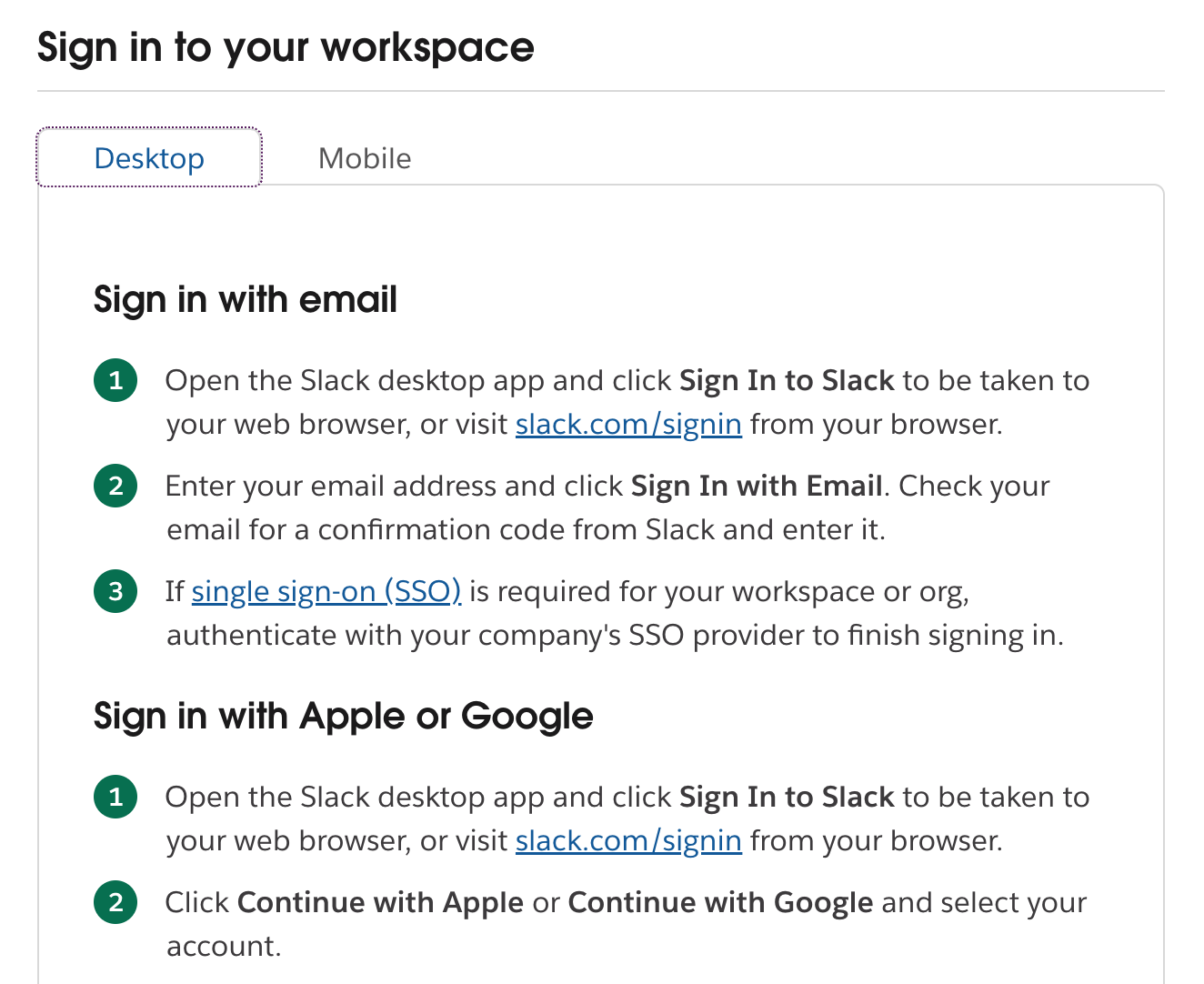
If you are still having issues signing into Slack, please refer to their detailed help article.
2) Sign in to HeyTaco
Once you are signed into the correct Slack workspace, visit heytaco.com —> Login (top right-hand corner).
You will be prompted to sign in with Slack.
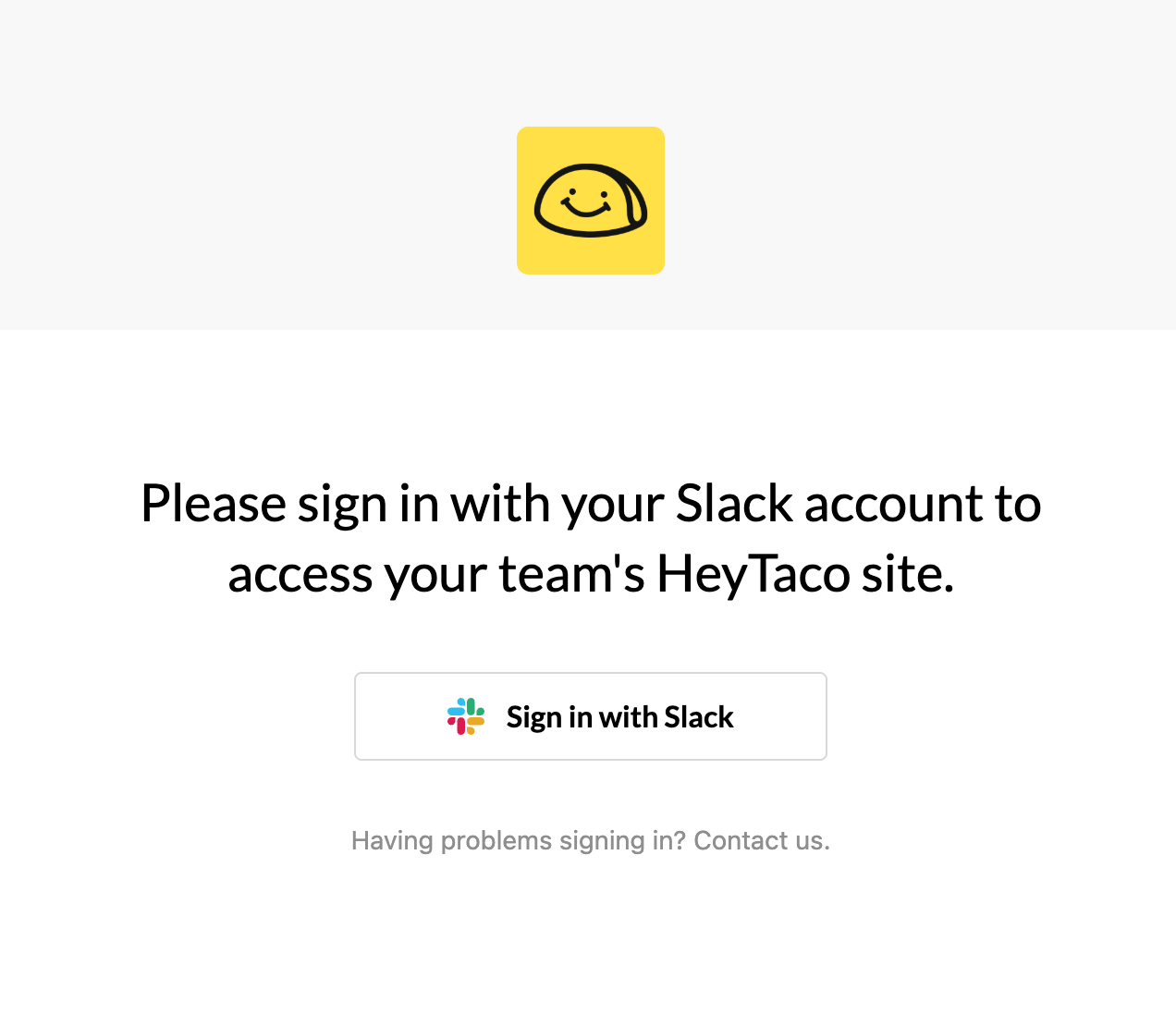
Select 'Sign in with Slack' and choose the correct Slack workspace from the dropdown menu.
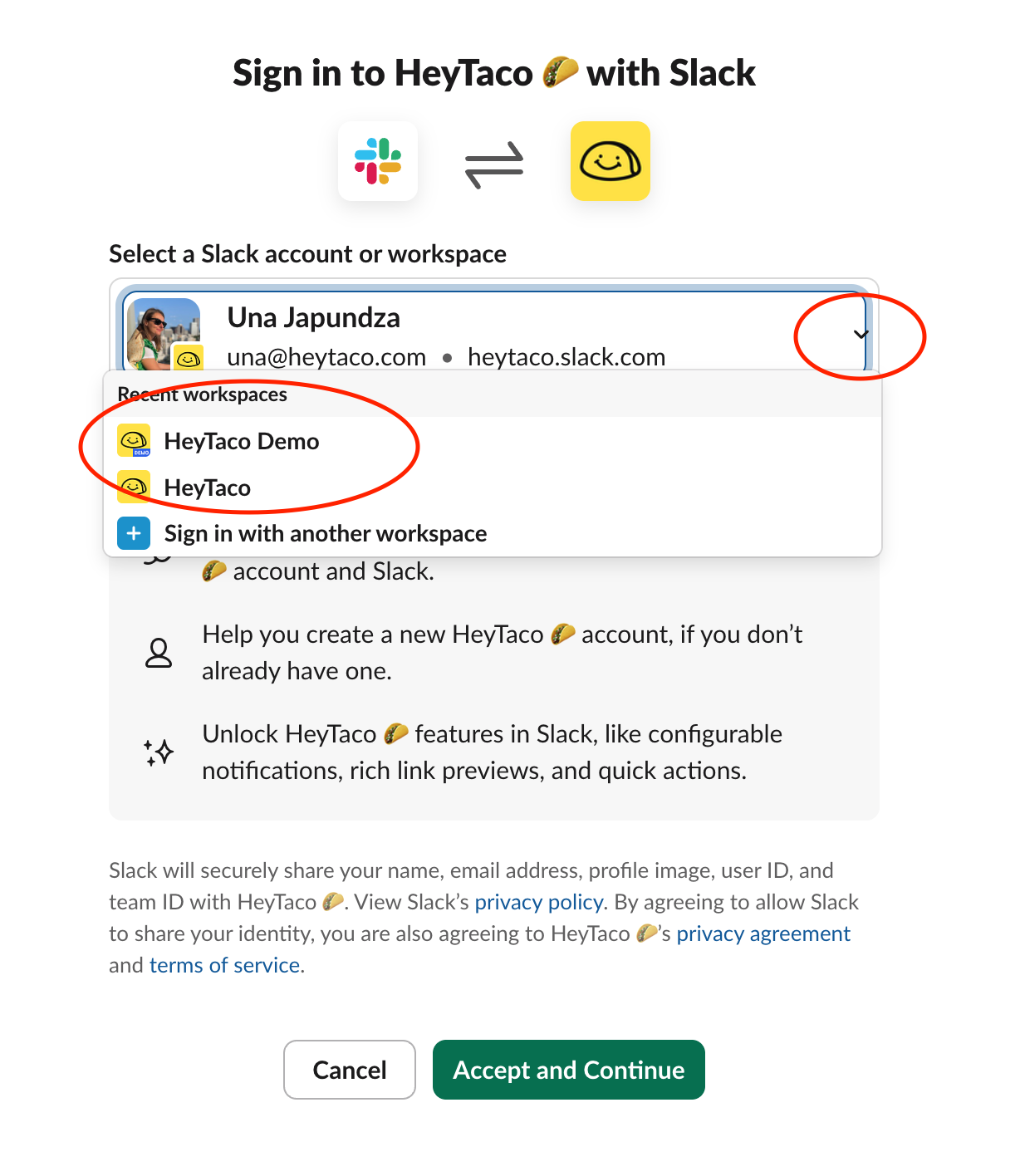
Voila'! You are now signed into HeyTaco.
If you notice you signed into the wrong HeyTaco account (ie, your taco balances are off), please click this link, and repeat step #2 above.