Employee Incentives, Right in Slack
Create challenges around the goals that matter, set a taco reward, and let your team go after them. Then they trade tacos for gift cards, custom rewards, and more.
 4.8 on G2 from 700+ reviews
Included on every plan Slack only
Quests that move real work forward

Complete a certification
Leveled up your skills? That deserves tacos. Submit your certificate as proof, and the reward lands once it’s approved.
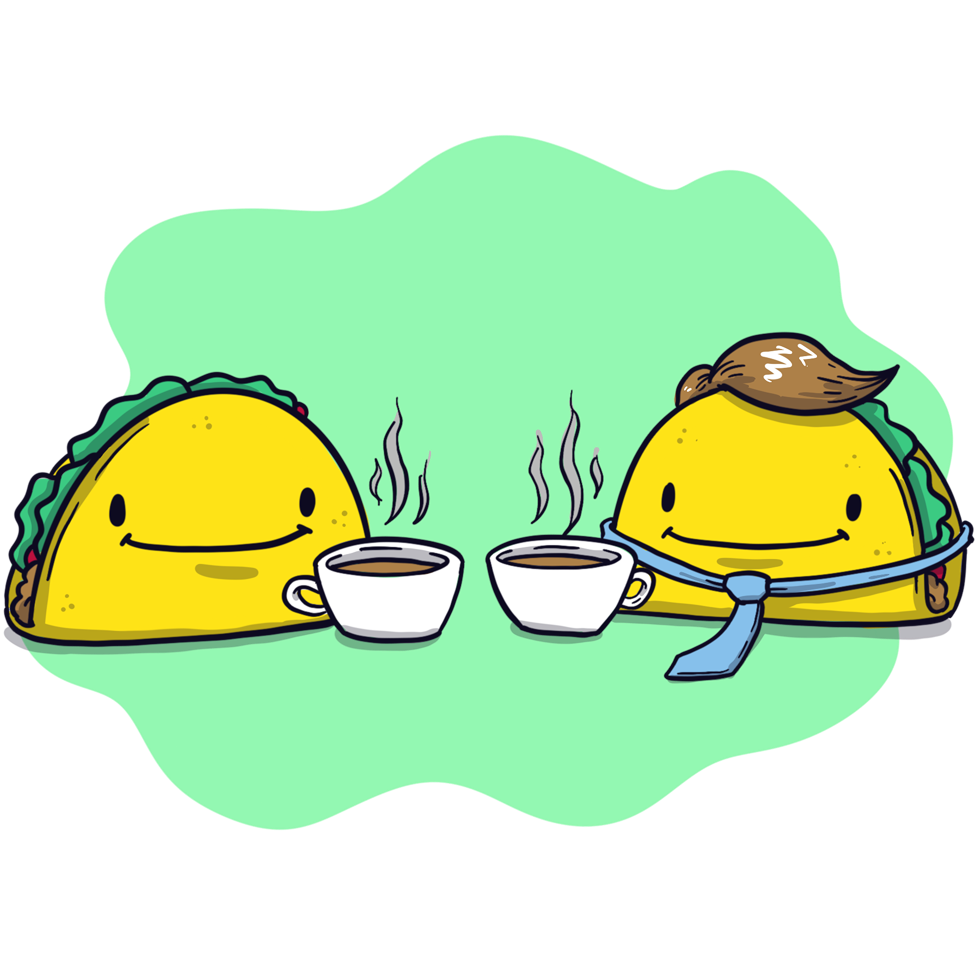
Refer a candidate we hire
Great people know great people. Make the intro, and when they accept the offer, the tacos are yours.
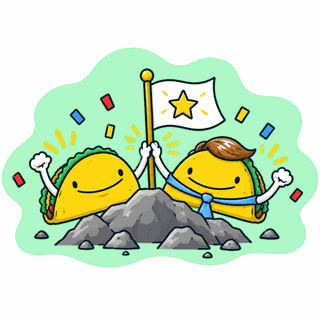
Hit a team goal
The number’s on the board. Get there together, and when the team crosses the line, everyone who pitched in earns tacos.
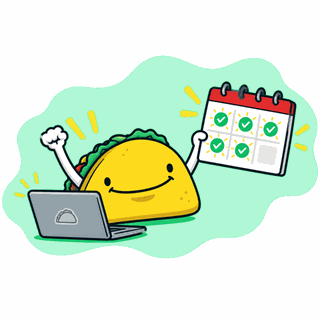
Book 5 demos this week
Fill the calendar. Five demos on the books by Friday earns tacos, and you can do it again next week.

Create your own Quest
Sales goals, certifications, safety milestones — make a Quest for whatever you want more of.
How Quests Work
Launch a Quest
Pick a goal, start from a template or your own, and set the taco reward.
Complete or Nominate
Employees submit their win, with proof if you ask, or nominate a teammate who earned it.
Earn Tacos, Cash Them In
Once approved, tacos land in their balance, ready for gift cards and rewards.
The everyday layer of your incentive program
Bonuses and commissions reward the big results a few times a year. Quests reward the work that gets you there, every week, so people always have something to go after.
Choose How People Participate
You choose which mode — or both — when you build the Quest.
Self-submit
Someone does the thing and submits it themselves, with proof if you ask for it. No one has to notice. They just have to do it.
Nominate
A teammate flags someone else who did something worth rewarding. The tacos go to the person who got nominated, not the one who submitted it.
Built to Stay Fair and on Budget
Every Quest comes with guardrails, so rewards go to real work.
Set the Reward
Choose how many tacos each Quest is worth, so the reward matches the effort.
Ask for Proof
Require a screenshot, link, or note with every submission. No proof, no tacos.
Approve Your Way
Review each submission before tacos go out, or skip approval for low-stakes Quests.
Set Limits
Cap completions per person or per team to keep things fair and your reward budget predictable.
Pause Anytime
Edit, pause, or end any Quest whenever priorities change.
Deny with a Note
Send a quick DM explaining why, and let them try again.
Quest Ideas for Every Team
Every team has work worth rewarding. Here’s where to start.
- 💼 Sales Book 5 demos • Close your first deal of the quarter • Share a win story
- 🎧 Support Hit your CSAT goal • Write a help article • Clear the weekend queue
- 💻 Engineering Ship the release • Squash 10 bugs • Review a teammate's PR
- 🦺 Ops & Safety Complete safety training • Report a near miss • Suggest a process fix
- 👋 People & Culture Refer a hire • Welcome a new teammate • Join a wellness challenge
Turns out, people really like tacos.
Recognized by G2 for ease of use,
adoption, ROI, and more.


It's simple, but meaningful—being able to give a taco with a quick message of thanks or recognition helps build a stronger, more positive culture without feeling forced.
DeAnna R., QA Manager
I love how HeyTaco encourages peer-to-peer recognition in a lighthearted and engaging way. It has strengthened our team culture and helped everyone feel appreciated.
Daniel Alberto J., Fraud Analyst
See our Wall of Love
Frequently Asked Questions
Common questions about HeyTaco Quests and how they work.
What are Quests?
Quests are employee incentives built into HeyTaco. Admins set a goal, like hitting a target, finishing a certification, or referring a hire, and attach a taco reward. When someone completes it, they earn tacos they can trade for gift cards and rewards.
How do Quests actually work?
Every Quest works one of two ways: self-submit, where someone does the thing and submits it themselves, or nominate, where a teammate flags someone who did something worth rewarding. You choose which one (or both) a Quest allows when you build it.
How do I incentivize employees without big bonuses?
Small, frequent rewards tied to specific actions. Reward the steps that drive results, like demos booked or training done, not just the final number, so people have something to go after every week.
Can I use Quests for sales or team goals?
Yes. Use self-submit with proof required, plus approval.
Do Quests replace bonuses or commissions?
No. Quests work alongside them. Bonuses reward the final result; Quests reward the daily actions that lead to it, like booking demos, finishing training, or helping a teammate, with smaller rewards people can earn all year.
How do I keep reward costs predictable?
Set the taco amount per Quest and cap completions per person or per team.
Do people get tacos right away?
Only if the Quest doesn't require approval. If approval is turned on, tacos are awarded once an admin approves the submission.
Who can create a Quest?
Admins create and manage the Quest catalog for your team. Anyone with a HeyTaco account can complete a published Quest.
Is Quests available on my plan?
Yes — Quests is included on every HeyTaco plan, no extra tier required. It's currently available for HeyTaco for Slack.
Can someone complete the same Quest more than once?
That depends on how the Quest is set up. Admins can set a per-user limit, a per-team limit, or leave it unlimited.
Can I edit or turn off a Quest after it's published?
Yes — admins can edit, pause, or end any Quest at any time.
Can I require proof for a submission?
Yes — "Ask for proof" is a per-Quest setting, so you can require it for some Quests and skip it for others.
What happens if I deny a submission?
The person is notified by DM, along with any note you add explaining why. They're welcome to submit again — a denied submission doesn't count against their limit.
Give Your Team a Goal Worth Chasing
Point tacos at the work that matters most, and watch people go after it.
 Add to Slack
Book a demo
4.8 on G2 Used by 5,000+ teams since 2016