How to Add HeyTaco to Microsoft Teams
Simple Step-by-Step Process for Adding HeyTaco to Microsoft Teams
 Add to Microsoft Teams
Playlist

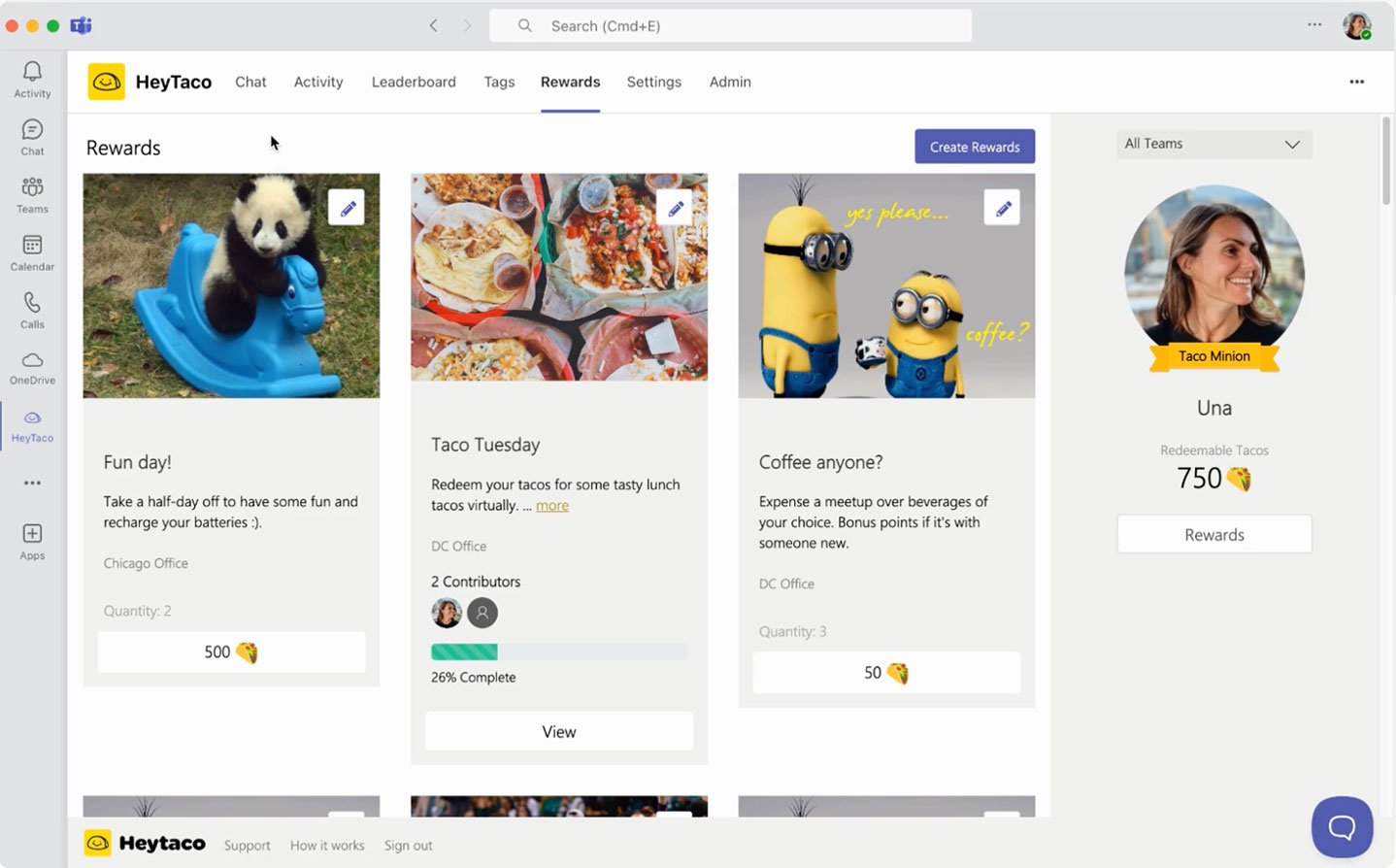
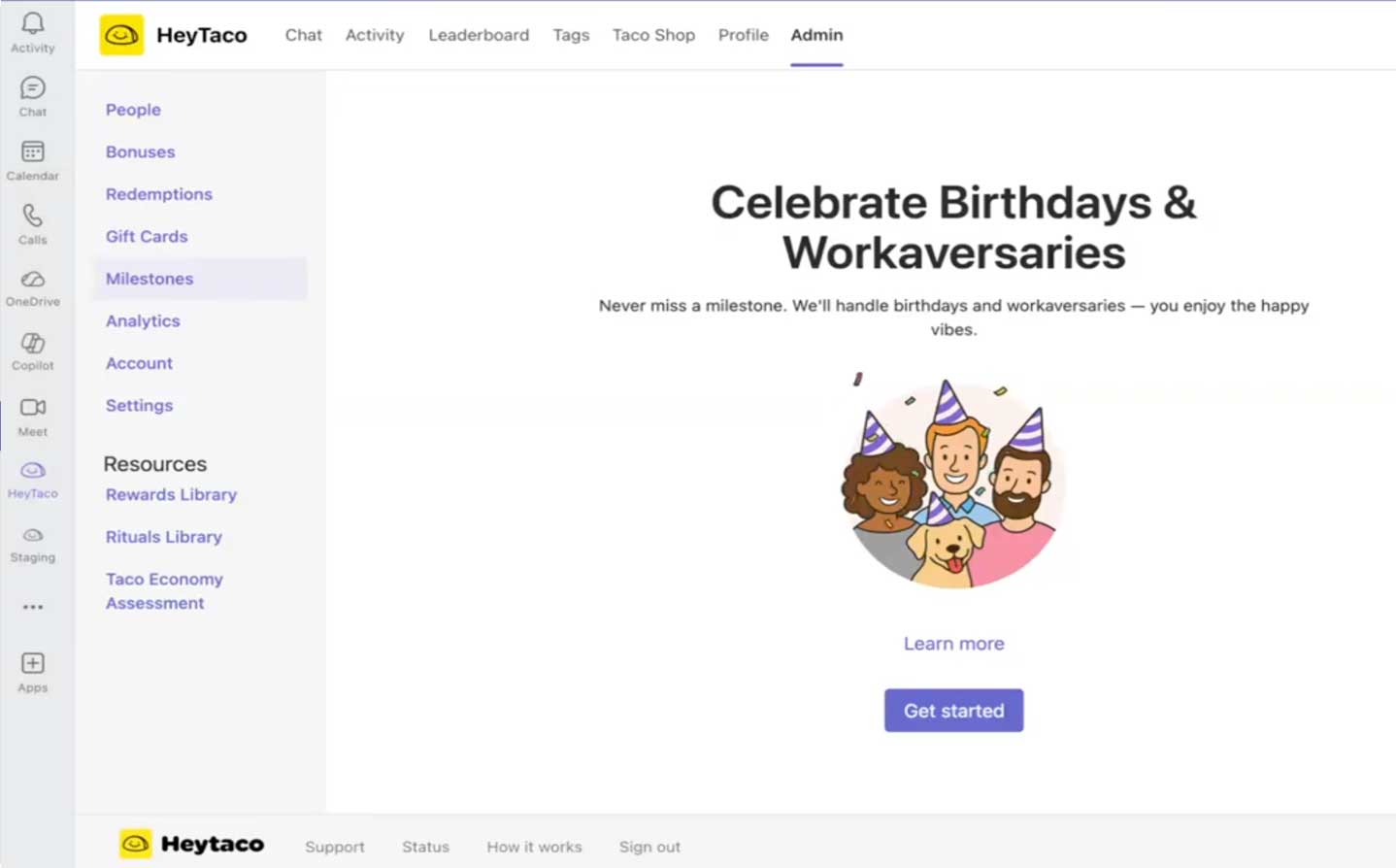
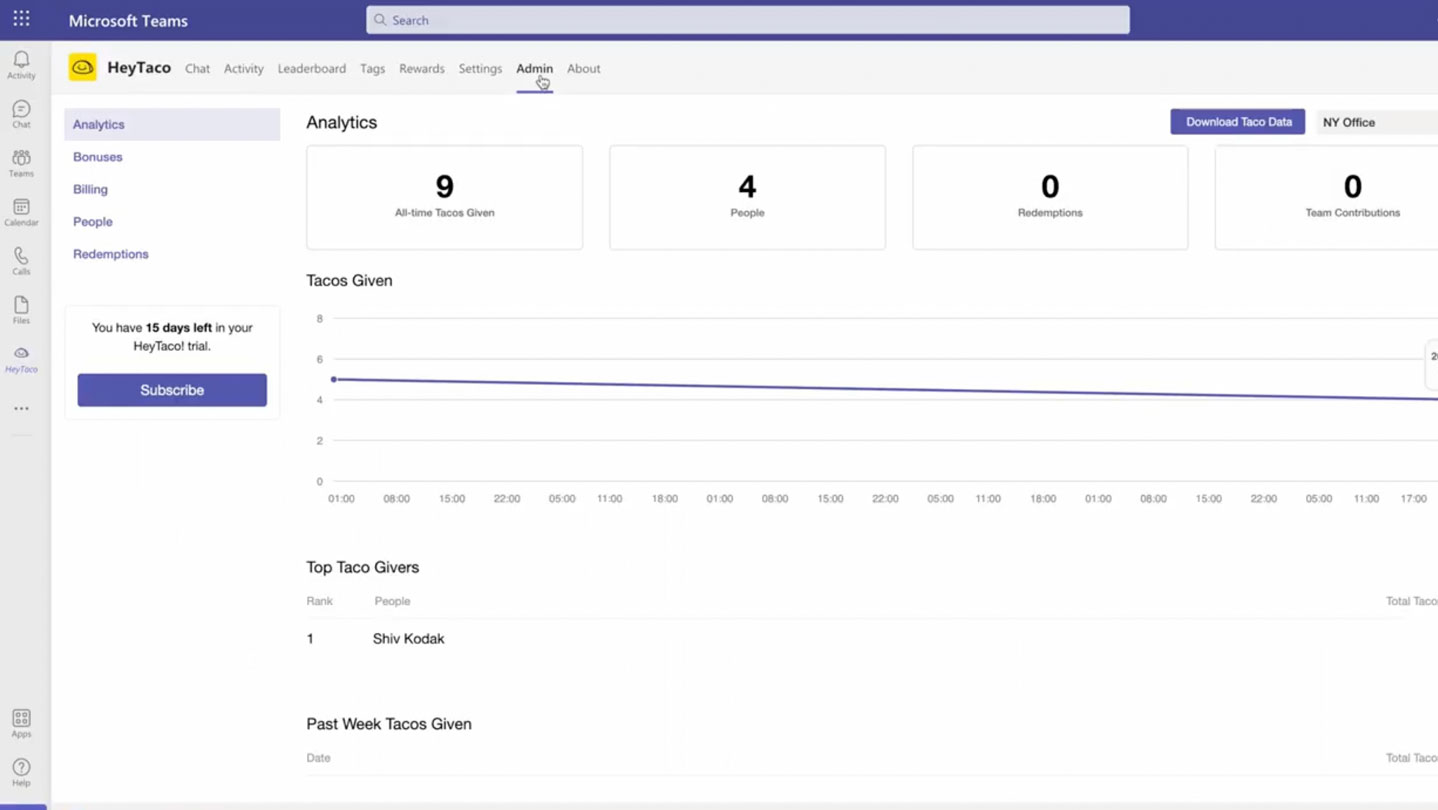
Transcript
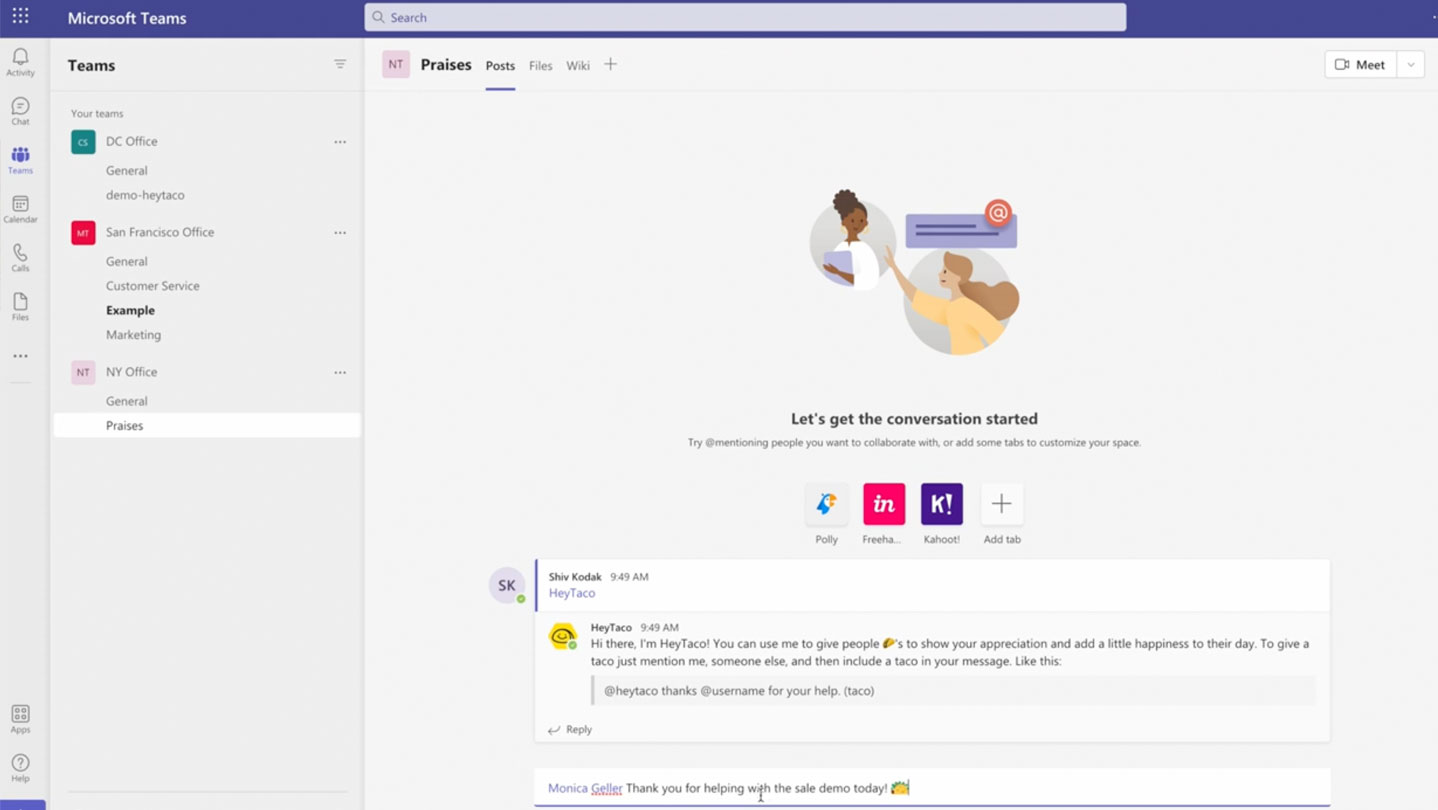
Adding Hey Taco to Microsoft Teams is very easy. Let me show you how. On the HeyTaco website click the get started button. Choose the platform of your choice. Here I'm going to add it to Microsoft Teams. And this will take me to my Microsoft Teams app.
I will choose to open the Microsoft Teams app, but you can also do that in the web app as well. The modal pops up asking me to add HeyTaco to a team. I will click that button. You can add HeyTaco to multiple teams, multiple channels, one team or one channel.
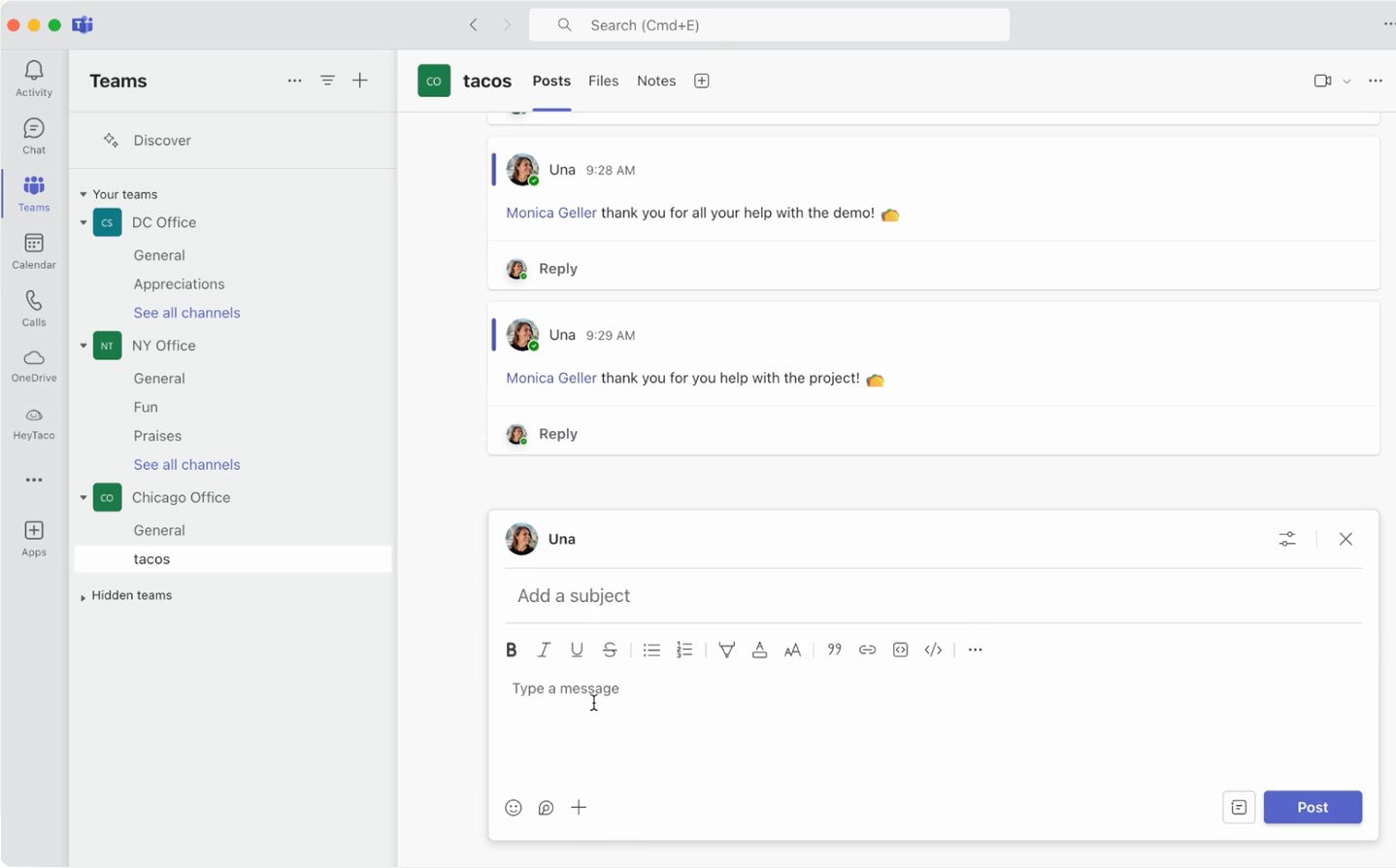
Here I like to add HeyTaco to our Chicago office and I have created a channel called Tacos in the Chicago office. That channel is where I will encourage all my teammates to give their Tacos. Sharing Tacos in a channel that everyone has access to helps break down recognition silos and allows everyone to see all the amazing work their teammates are doing every time.
I will click set up. Now HeyTaco has been added to the Chicago office channel and it sent the welcome message right away. Next let's go meet HeyTaco and see how to give Tacos.
Turns out, people really like tacos.
Recognized by G2 for ease of use,
adoption, ROI, and more.



It's simple, but meaningful—being able to give a taco with a quick message of thanks or recognition helps build a stronger, more positive culture without feeling forced.
DeAnna R., QA Manager
I love how HeyTaco encourages peer-to-peer recognition in a lighthearted and engaging way. It has strengthened our team culture and helped everyone feel appreciated.
Daniel Alberto J., Fraud Analyst
See our Wall of Love
Make someone's day. Every day.
Start building a culture of appreciation with HeyTaco.
 Add to Slack
Add to Teams
Add to Slack
Add to Teams
 4.8 on G2 Used by 5,000+ teams since 2016