Globalizing engineering talent can come with a huge coordination tax. Choosing async communications, defining ownership, and improving documentation has helped growing teams pick up the slack.
Speaking of Slack, developer productivity tools are one of the best solutions. The right remote engineering stack features apps that support workflows, won’t become a liability when people are added to the team, and are more than just noise.
Is Slack fatigue hurting developer productivity on your team?
What’s your idea of a workplace interruption? Outages, illnesses, and the coworker who asks a lot of questions?
Not anymore. Recent studies indicate that remote engineers and other digital workers toggle between apps and tasks in excess of 1,200 times daily. AI isn’t helping. This constant context switching is a tiny interruption that cognitively sets us back without knowing who or what to blame. At this stage, we may not even realize we aren’t performing at our sharpest.
Enter Slack. It revolutionized workflows as a way to centralize communication and reduce external tabs. But a slew of channels, fragmented notifications, and the pressure to always be “on” in the remote environment can dampen its productivity powers.
Make sure Slack is a source of slowed output or low morale before you remodel your app stack. Excessive context switching can be a larger presence due to meetings, operating systems, and the need to jump among projects. Here are a few signs that Slack fatigue has hit your team:
- Low-effort, zero-context messages. People are not taking that extra moment to express the purpose of a ping. Interactions are more frequently a 👍 than the conversations they used to be.
- Too many empty channels. Whether it was a niche topic or everyone simply moved on, this is worse than clutter. Knowledge and context that could otherwise be useful are disseminated in tiny particles across channels that were never archived.
- People are muting non-human notifications. This is probably why PRs are late. Engineers who want to reduce the impact of context switching will silence automated bots and Jira tracking.
- Second screens keep green dots alive. A deep need to limit Slack interruptions creates anxiety that it’ll seem like you checked out. Other monitors or phones keep profiles active to maintain visibility and the illusion of connection.
Must-have Slack apps for your remote engineering stack in 2026
No app lineup is ideal for every team. The following is a collection specially designed to reduce notification soup, increase integration, and support a team that hopes to grow in size through 2027.
The Code Pipeline
This layer naturally begins with our official apps, GitHub/GitLab. Many may find scalability to be moderate, but the native, first-party integration is unbeatable for light actions.
When it comes to reviews, look into Axolo. Axolo creates a private channel for every PR (🙄) but auto-archives them once merged (😁). It features special bi-directional integration with GitLab and GitHub – a must for async documentation.
| 🧯Watch out! This layer also has the potential to create the most noise. All of these recs work best when you define basic musts and put those guardrails in place. Lower global notification levels and create rules around archiving. |
Incident Management
Laboring over logistics instead of diligently debugging? Consider one of these incident management apps.
Incident.io is native and gets an A+ in scalability. If apps like Jira are mandated, it offers seamless integration with that as well as AWS, Zoom, and more. It’ll also deliver post-mortems directly to Notion and GitHub. The only thing about these post-mortems is making sure it doesn’t automate them as though the tiniest bug is a fire-breathing dragon.
Deep solutions with lots of organizational control might skip Incident in favor of Rootly. Rootly offers competitive levels of scalability, but may be best applied at an enterprise level. If you want custom everything and a heavily automated workflow, it’s worth it for SRE teams.
And what of PagerDuty? Keep it in the lineup to call engineers and let Incident.io take it from there.
| 🧯Watch out! Are you big on programming your own opinions, or do you want something to do the job right out of the box? Incident.io is the best out-of-the-box selection. |
Project Alignment
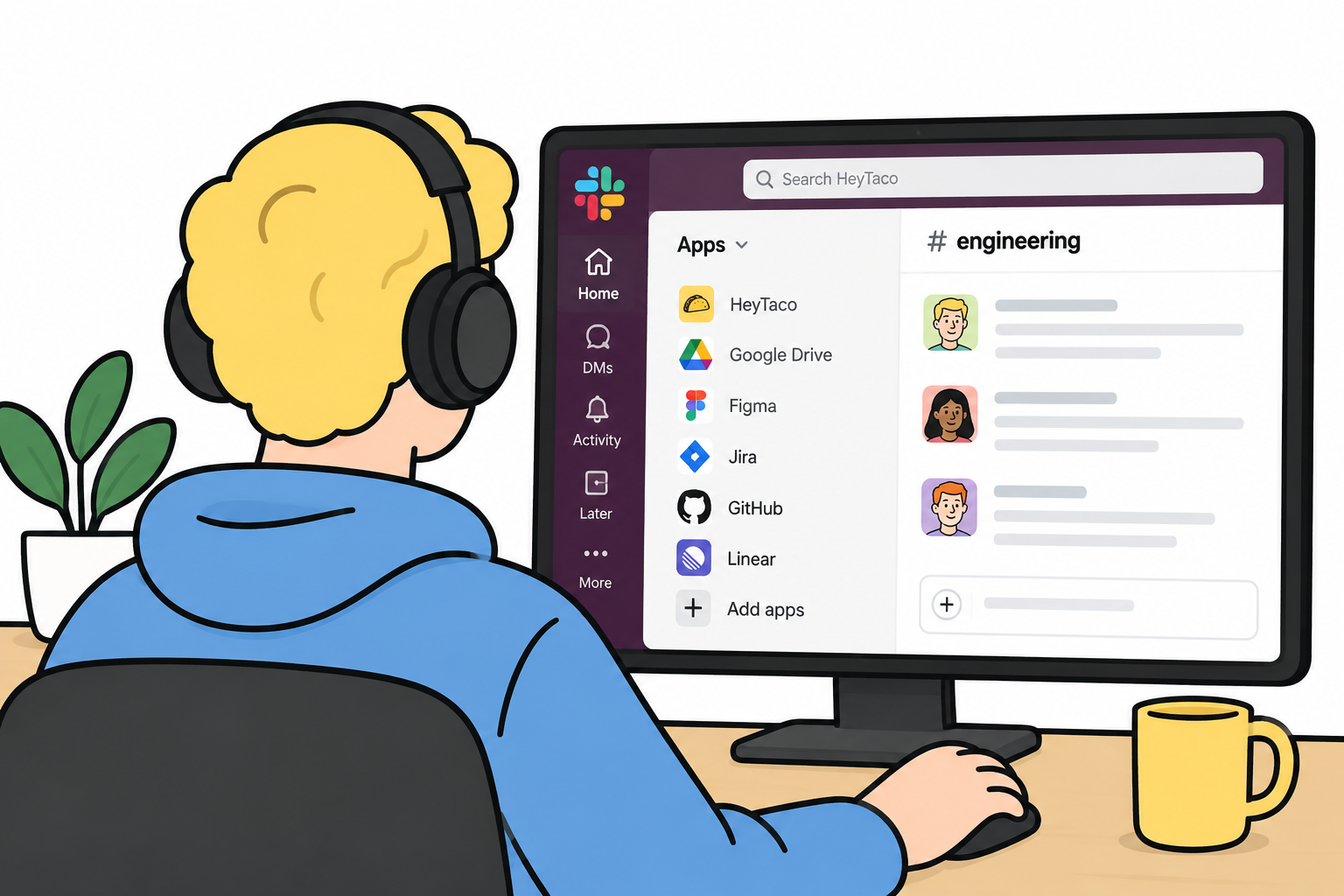
Navigating to a web browser is pretty stark context switching. Keeping track of projects, leaving comments, and providing updates can happen right in Slack.
Jira Cloud is the obvious choice here. It’s flexible, scalable, and great for connecting departments. However, like Rootly, it may be best leveraged at an enterprise or corporate level where permissions can be tweaked and customized to organizational needs. Velocity can suffer on smaller teams, even as they grow.
Linear may be the best alternative. Highly scalable, a message becomes a ticket in just a click, and it has a solid structure with very little setup. But what users love most is its high-speed performance.
| 🧯Watch out! If the goal is to reduce noise, rethink enabling Linear’s bi-directional sync in busy channels. Define triggers or set up an intake channel. |
The Knowledge Base
There is perhaps no category within the remote engineering stack that’s more case-by-case than this one. A proper knowledge base requires both document storage and the best way to search storage within Slack.
For storage, everyone prefers to document where the work is happening, so GitHub may be a no-brainer. Enterprise or corporate teams leaning on Jira find that Confluence fits nicely. Notion is a blank-slate style app that is as flexible as you need it to be.
If you have budget and want to look outside of Slack AI for retrieval, consider eesel AI. Users say the setup is simple, integrations are a big plus, and it feels intuitive.
| 🧯Watch out! Notion works best for engineers when carefully constructed guardrails are set in place. It can become slow and complicated when users are inexperienced, and it lacks templates. |
Culture and Team Health
Last but never least, we need to break that green dot fever. Peer recognition makes people feel seen and appreciated without productivity theater or DMs that never get to benefit the wider culture.
Matter runs natively in Slack, automates recaps, and even distributes pulse surveys. You’ll make use of its features if you want an app that’s basically its own mini HR department. Users get weekly coin allowances that everyone can exchange and then redeem for rewards.
HeyTaco is for a peer-driven culture with team rituals. It doesn’t feel like HR or require much admin. Like Matter, it’s chat-native, and you can exchange the tacos you’re given for rewards. Unlike Matter, it requires fewer actions to share them. A daily taco reset encourages more frequent use. Engineers also find the gamification and overall informality of the tool to feel more natural.
| 🧯Watch out! Do you want to fill out a form to give someone kudos? This is what’s the matter with Matter. There are also more automated notifications, something we want less of from developer productivity tools. |
Ready to make appreciation an everyday habit?
Try HeyTaco free for 30 days. No credit card required.
Try HeyTaco free3 Team culture fixes that help solve productivity drain
Remote culture is more about behavior than it is the tools we’re given. Here are three Slack practices that do as much heavy lifting as a new and improved remote engineering stack.
1. Context from the very first message.
Pings such as “hi, u there?” to the more considered “Good day, do you have a moment? I have a question.” are equally unproductive. Enforce a format that includes name, intent, context, and an async-friendly request. Like so:
“@megan–PR needs review (github)–currently blocking deployment. Not rushing, but is EOD possible?”
2. Stop using channels as inboxes.
They should be acting as filing cabinets in a resource library. Allow work to happen in threads. Unthreaded convos in channels with 50+ people bury too much. Pin a message at the top of each channel: “Thread here.” Clean channels are searchable channels.
3. Stop praising and problem-solving in DMs.
When someone asks a question publicly and gets a threaded response, it helps a future new hire who hasn’t even heard of your team yet.
The catch is that your people will only do this if they don’t fear asking questions out in the open. Creating that psychological safety means praise and recognition need to be public, too.
Chat-native, async-friendly recognition that never interrupts
Switch to recognition that’s so easy, you don’t even need to roll it out. There’s nothing to learn and no new logins–just lightweight, public praise that’s always in context.
"I love how HeyTaco turns everyday appreciation into something fun and meaningful. The Slack integration is super smooth, and the taco rewards motivate teams while strengthening company culture."
- Kavya K., Software Engineer
Learn about the benefits for tech teams and send your first taco in the next few minutes.
See HeyTaco in action
Watch a quick demo and see how peer recognition works in Slack and Microsoft Teams.
Watch the demo