Autonomy, fewer distractions, no commute. Research says this is what makes remote workers more productive. Yet we’re all familiar with various laws and theories that show how problems increase alongside resources. Make more money, and you spend more money. Add a lane to a highway, and more cars opt to take this route.
In remote work, we see increasing levels of surveillance threaten autonomy. A growing roster of meetings distracts us and eats into the time we “saved” by not commuting. The strategies companies use to ensure remote work remains productive can end up being the thing that diminishes it.
Today, we’re sharing some asynchronous workflow strategies and other ways to improve employee productivity. Some are pretty unconventional. But finding just three that fit on your team can make a difference.
1. Implement “Rules of Two.”
One thing remote-first companies are focusing on and getting right is clarity. If this isn’t enough, get ruthless with it. See where Rules of Two can help with habits that are limiting productivity. For example:
- Projects cannot begin until they can be explained in two sentences.
- Team members are only expected to check internal messages twice daily.
- Only two tabs open for the hour/s dedicated to deep, singular focus (role-dependent).
2. Break projects down so that every day ends with measured progress.
Micro-moments, micro-gestures, micro-learning. Had enough? Too bad. Add micro-milestones to that list. Except add it to your “done” list, not just your “to-do” list. Provable, daily progress gives us two things.
First, it reduces surveillance needs and eliminates long periods of radio silence. We don’t have to track someone (or lose track of them) when the day’s objectives are right there. Second, it builds momentum. When the day ends with “This was done,” instead of “What’s left? How far?” employees proceed with more certainty.
Pro tip: Use this strategy to fit bigger projects in your Rule of Two. Two sentences encapsulating what the week’s project phase entails.
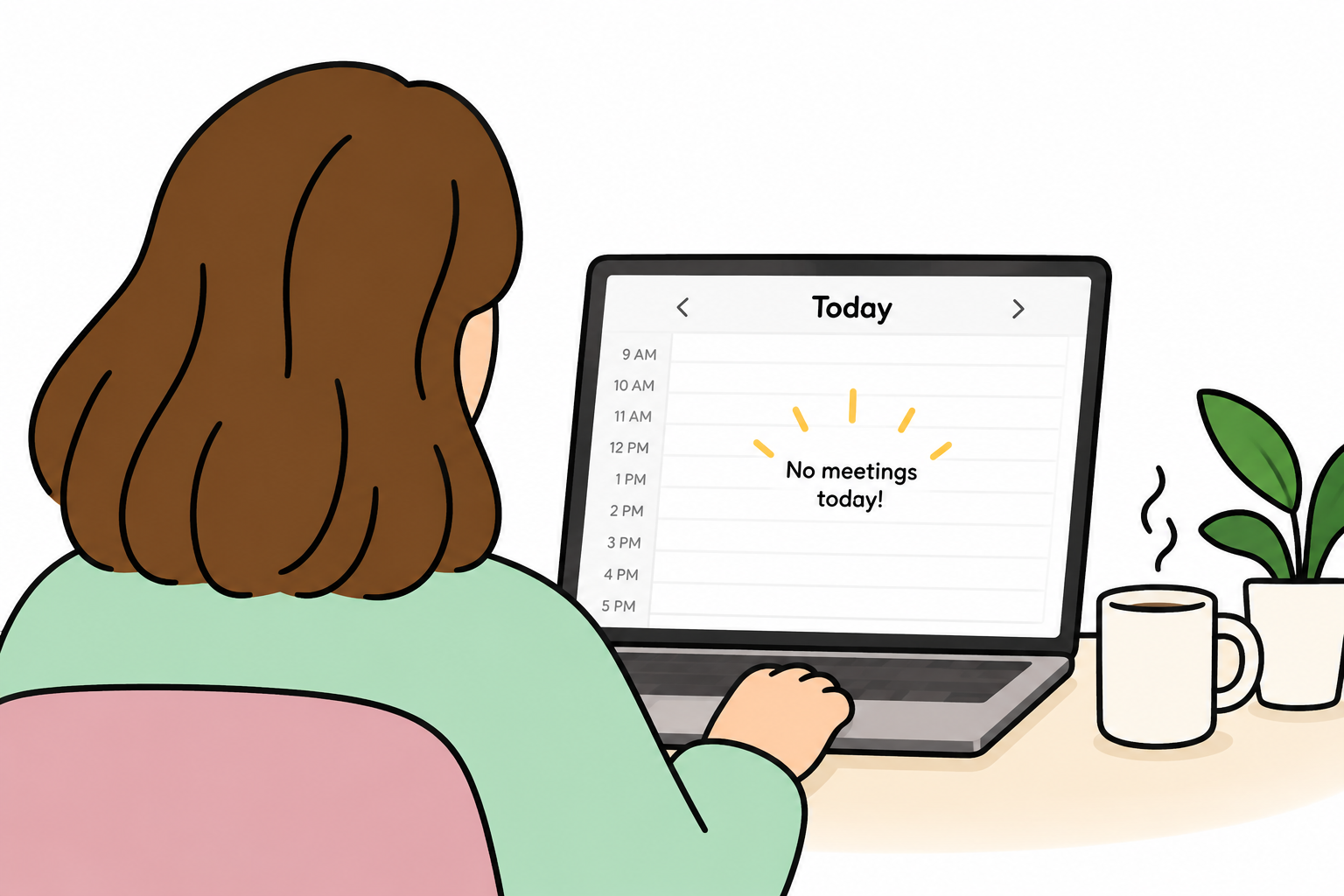
3. Guarantee one meeting-free day.
Many sources report that remote workers attend an average of 20 to 25 meetings a week. To no one’s surprise, the majority of employees feel at least half of them are unnecessary.
We have a few more tips on meetings coming up, but true remote workforce optimization means getting this main productivity-killer under control. Start by making just ONE day of the week a zero-meeting day. Organizations find Tuesdays or Wednesdays are the easiest. This alone can help people regain a few of the almost 12 hours they lose to meetings.
4. Book silent coworking sprints.
Some teams looking for ways to improve employee productivity aren’t trying to gain an edge. They’re attempting to address a problem they already have, and RTO isn’t an option.
Instead of tightening up surveillance to measure productivity, make remote teams accountable to one another. Put them in a Zoom room, camera on, mic muted. Two hours of deep focus, zero interruption, silent coworking.
5. PROVE that you reward output instead of hours.
Strong remote work cultures value output over visibility. However, it needs to be part of the employee experience, not just a nice idea. Practice publicly praising greater efficiency and turning in quality work early.
On some teams, this reduces busywork, performance theater, and dragging tasks out just because it’s all they’re there to do. Offer special projects or cross-department collaborations if logging off early isn’t the best option.
Discover what HeyTaco can do for your team
See how HeyTaco makes peer recognition simple, fun, and impactful.
Explore HeyTaco6. Create and keep brief DND manuals.
A Do Not Disturb manual is a living document that helps teams protect individual productivity preferences. It takes no more than five minutes for everyone to share the following:
- My busiest hours are _________.
- I’d prefer it if you reached out to me during these times by _________.
- I’m sharpest at ___, doing admin around ____, and almost useless after ____.
7. Ask, “Could this be a video voicemail?”
Speaking of DND manuals, people do better at processing info on their time and prefer async info dumps. This is another reason to cancel a meeting or two. If what needs to be communicated could be done in a two- to three-minute Loom video, do it.
Benefits for the speaker: Can prepare and edit, no awkward pauses or repetition, no going off topic.
Benefits for the listener: Can play when they’re not distracted and really pay attention. Can adjust playback speed, replay, and revisit for better info retention.
8. Delete unused Slack channels after 30 days.
Sensitive question here, please don’t get defensive. Are you a digital hoarder? All clutter–physical, mental, virtual–contributes to noisiness, lack of focus, and even anxiety. If a channel has been inactive for one month, delete.
If you can’t stick to this, find a tool that will auto-archive. These channels are surreptitiously impeding searches and decision-making. They are subconsciously exhausting people. If anyone suggests bringing it back, they have to make a clear case for it.
9. Let people plan process funerals.
Speaking of making your case, twice a quarter, let employees vote rituals off your island. Doing so builds and shows trust, on top of letting them alter conditions to support productivity.
For instance, an employee’s work is regularly held up because they have to go through three approvals to spend $25 on stock photos. They should feel comfortable enough to point out why this is holding them back (cause of death) and suggest an alternative (the funeral).
10. Discourage multitasking and encourage breaks.
Prioritizing productivity and output can have an unintended consequence. A handful of people might start forcing work, jamming as much into their focus time as possible. It naturally leads to poorer quality.
Displaying a positive attitude toward balance may temper this.
- Encourage people to take on one thing at a time during deep focus hours.
- Avoid scheduling or distracting people who should be taking lunch or a break.
- When praising early submission or rapid shipping, be sure to point out that no sacrifices were made to the quality of work.
- Suggest that an employee walk away and take a break when they seem frustrated.
11. Repay focus debts when someone is interrupted.
When we’re subject to consistent interruption, it gives the impression that our time and work aren’t that respected. So, make a little rule about hitting someone up for something when we know they’re busy.
If someone needs to be pulled off their focus, the asker should offer something in return. A request to take a look at a deck when someone is in a scheduled 90-minute deep work block comes with, “I’ll review the Q4 budget sheet for you.” This keeps pings intentional and increases productive exchanges among team members.
12. Begin meetings by reading the agenda.
And don’t skim or paraphrase. This introductory minute will determine how productive a meeting is. The first thing an agenda reading does is weed out any misalignments. The person who thought they were there to weigh in on a decision now knows this slot is for brainstorming.
Moreover, it’s a sign of respect to people who came prepared. Their part and purpose are less likely to be bumped by meandering conversations and unscheduled topics.
Pro tip: If there’s no agenda for a meeting, seriously consider canceling. What you need to say may make a better async video clip.
13. Put a bounty on less desirable tasks.
An hour of PTO, early logoff, a gift card. These small perks can be enough incentive to get unpopular tasks off the schedule. Create a Bounty Board and invite someone to get it done by Friday.
You may find that people are more likely to step up to undesirable work when it’s optional or voluntary. One thing to watch out for is a person who seems to want to take on all of these unwanted tasks and make it a permanent part of their workload. Give them the Glutton for Punishment trophy at the next paper plate award ceremony and tell them to take a break from the board.
Ready to make appreciation an everyday habit?
Try HeyTaco free for 30 days. No credit card required.
Try HeyTaco free14. Invest in equipment instead of “perks.”
Most asynchronous workflow strategies focus on larger concepts that can apply to as many organizations as possible. The over-documenting, flexibility, and reduced interruptions we’ve discussed a lot. It all occurs virtually. But there’s still a human being sitting before screens, doing the work in a physical environment.
Equipment stipends level the playing field and support operational resilience. Ergonomic chairs, high-quality keyboards, and even sturdy desks with an ideal height can improve comfort enough to influence productivity.
15. Weed out dispensable tools that interrupt the flow of work.
You don’t want the next process funeral an employee nominates to be for a tool you introduced. Get ahead of that one by ensuring bureaucracy isn’t what’s stifling productivity.
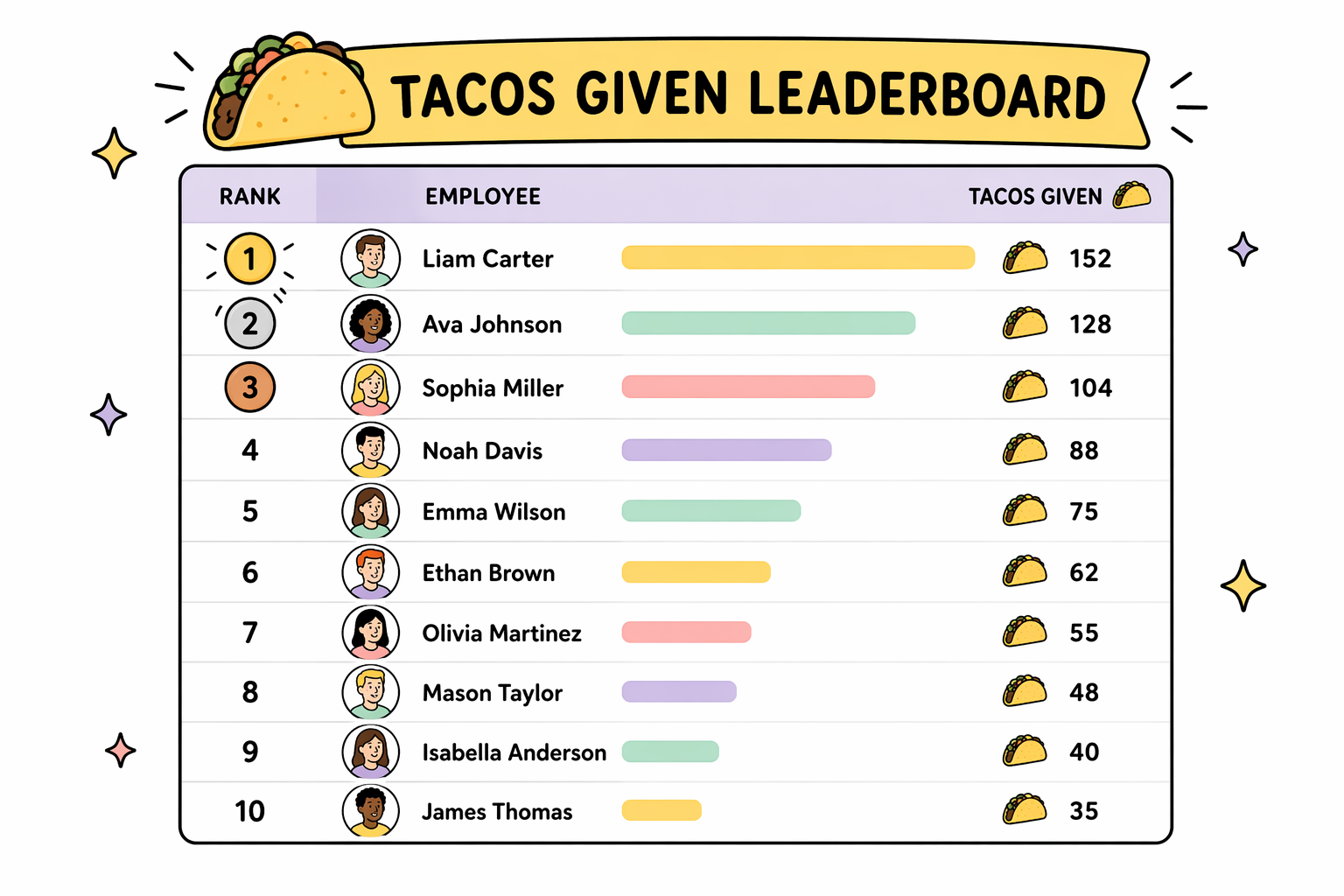
Peer recognition is a big one. Unlike our main productivity tools, employees can see recognition as dispensable when it takes extra work. Chat-native tools that don’t require separate logins are the only way to make recognition a daily habit on remote teams.
Pro tip: Recognition tools baked into workflows help platform and proliferate fun team rituals–a proven driver of productivity.
Don’t forget to take a taco break. 🌮
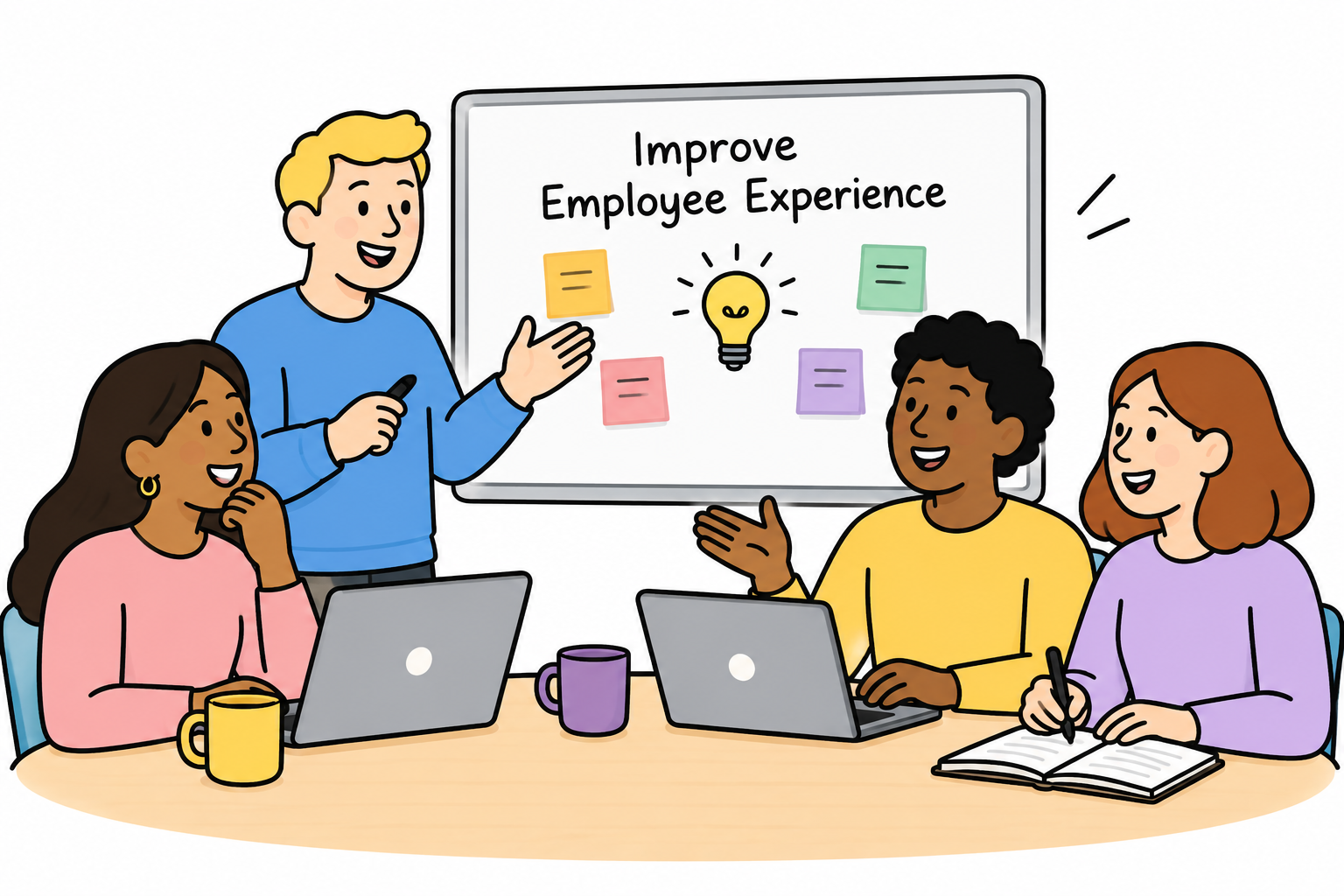
One of our favorite ways to improve employee productivity is making everyone feel seen. There’s nothing more inspiring and engaging than knowing your effort has an impact.
HeyTaco is the lightweight, frictionless peer recognition platform for busy teams. Connect and build culture in Slack or Teams without additional logins or extra work.
"It's as simple as sending an emoji, but it adds a thoughtful, personal touch to recognize someone's effort. This simplicity encourages frequent, genuine expressions of gratitude, which has positively impacted team morale."
- Nick Z., Email Marketing Manager
Learn why HeyTaco is the choice of thousands of high-performing global teams and start your free trial.